
How the app works inside
Features and exercises
Your child learns at their own pace, in short missions across a galaxy: math, science and English from Panama's MEDUCA curriculum, daily reading in Spanish, plus aviation and space with CENACEP. We help with voiced lessons, step-by-step hints and review that adapts to what they need most. Free, ages 5 to 12, all year round.
For learning
Each mission takes a few minutes and follows the MEDUCA programme for your child's grade, preschool to sixth.
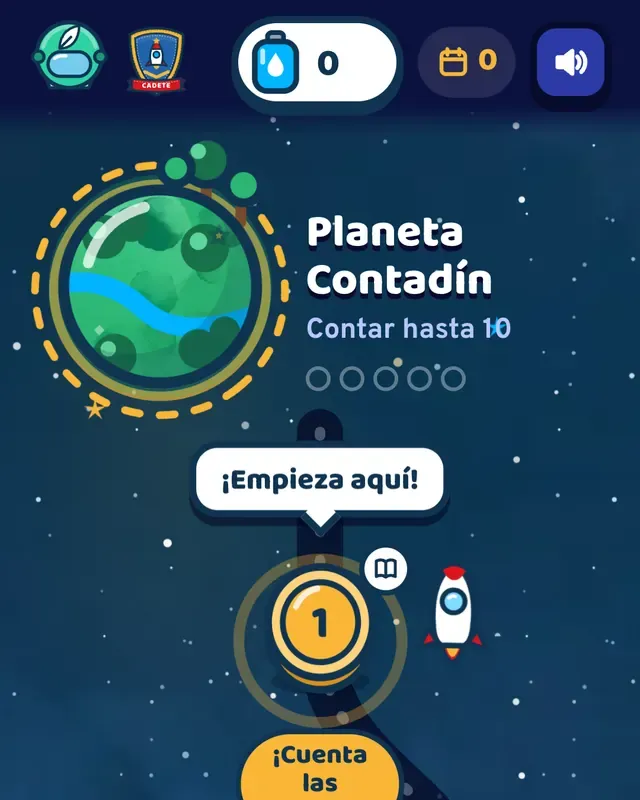
The galaxy map
Each topic is a planet with its own path of missions. Missions open in order, based on what your child has already mastered, and a moon landing waits at the end of each planet.
Five subjects
Math, natural science and English from Panama's MEDUCA curriculum, preschool to 6th grade; Lectura, ten minutes a day of stories and short texts in Spanish; and Espacio, an aviation and space course with CENACEP: rockets, planes, satellites and the space station, with experiments such as the paper plane and the balloon rocket.
Reading: “Mis 10 minutos” (my 10 minutes)
Every day, a story or short text in Spanish for their grade, with questions at the end. When a word is new, they tap it to see what it means and its synonyms. For the youngest, Orbi reads aloud. Every text they finish goes into their reading log, with insignias at 5, 10, 25 and 50 texts. The week counts the days read and never punishes a day without reading. In the parent app you see the minutes and texts of each week.
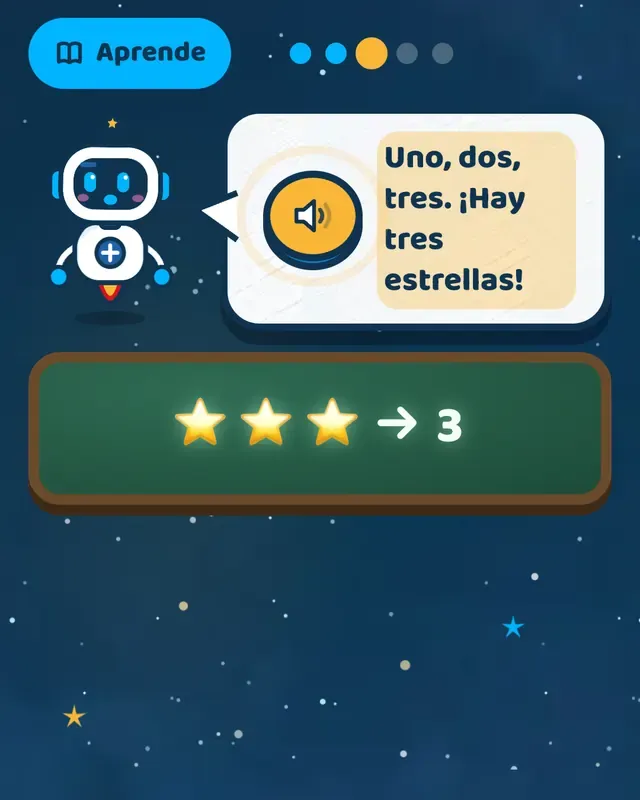
Orbi explains, out loud
Before practice, Orbi the companion robot gives a short lesson: it speaks with a recorded voice, highlights each word and writes the example on the board, so children who can't read yet can follow too.
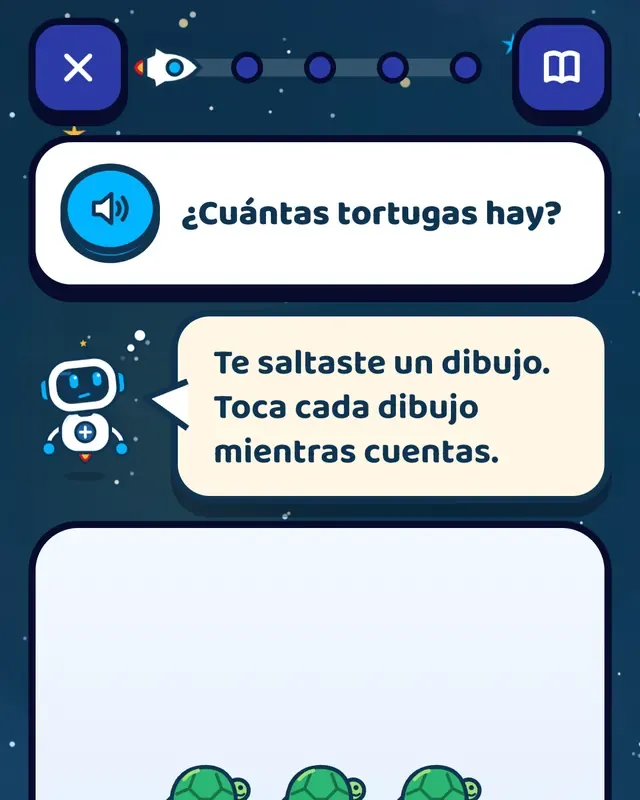
Hints and explained mistakes
When your child gets it wrong, Orbi explains what may have gone wrong with that particular mistake. When they ask for help, they get step-by-step hints, never the answer.
Reviews what they need most
The app estimates, goal by goal, how well your child knows each topic. Review builds a short practice from the weakest ones so nothing is forgotten.
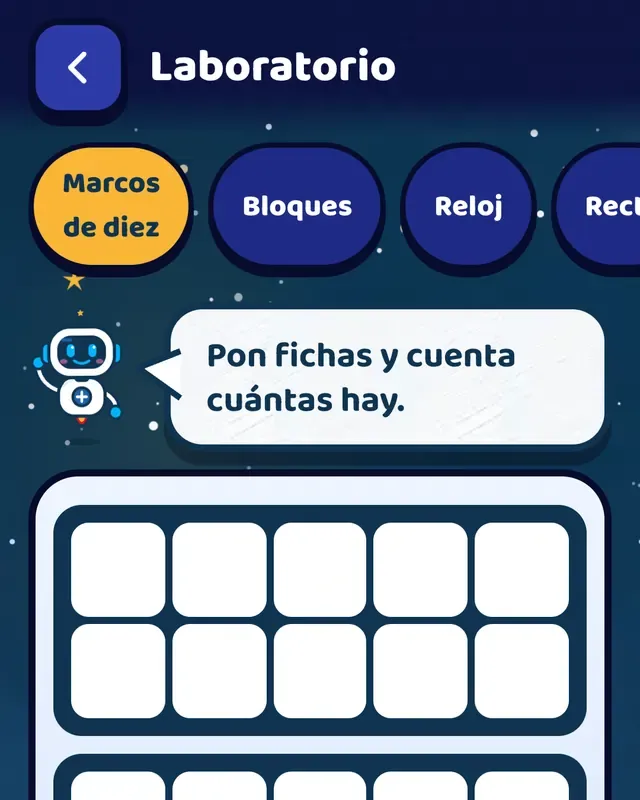
The lab
A corner for free play with ten-frames, blocks, the clock and more. No points and no questions: just exploring numbers.
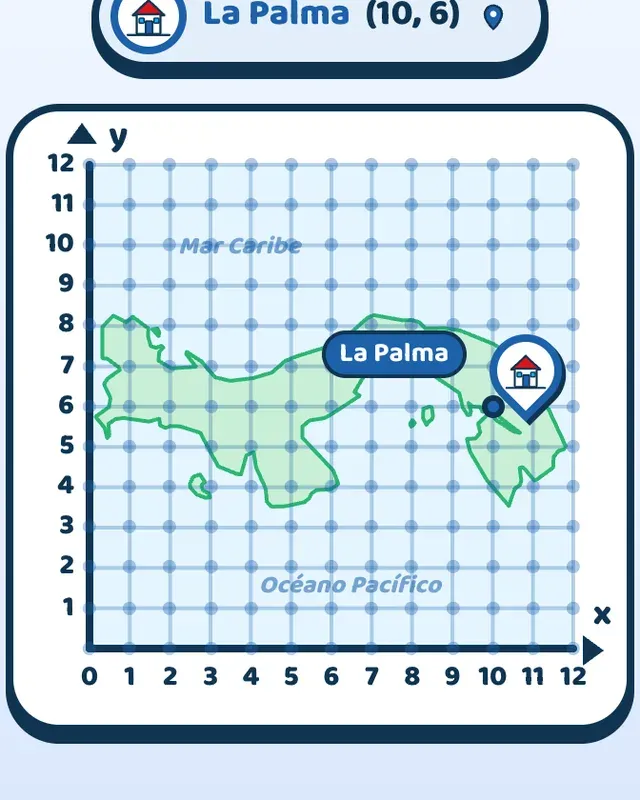
Panama in every mission
From preschool to fifth grade, each grade has a planet set in Panama: colour patterns inspired by the molas of the Guna people, the isthmus's animals and the national holidays in November, a market with prices in balboas, the Canal's ships, the 2023 census and the map with its provinces and comarcas, and the rain of the dry and rainy seasons.
For staying keen
Rewards are earned by learning. Nothing is bought, nothing is lost and there are never penalties.
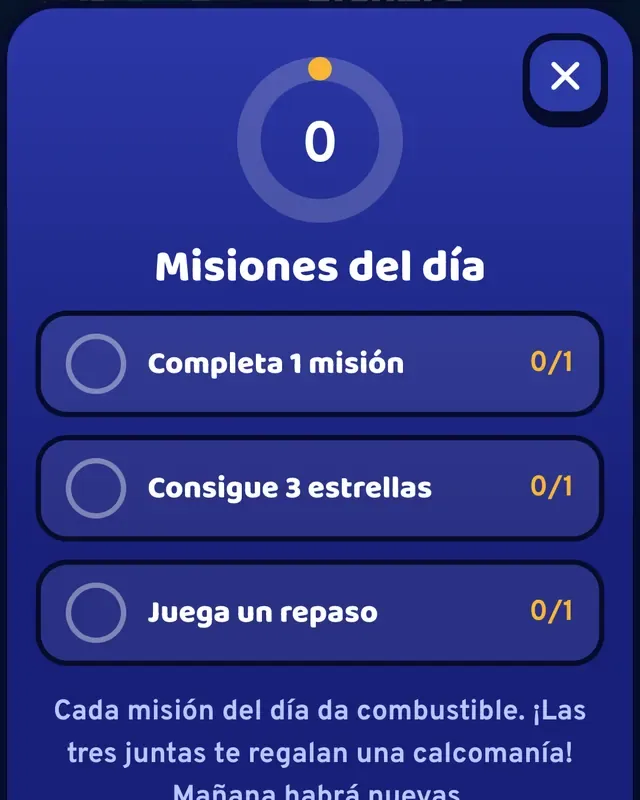
Daily missions
Three small goals each day, such as finishing a mission or doing a review. Missing a day costs nothing: the next day brings new ones.
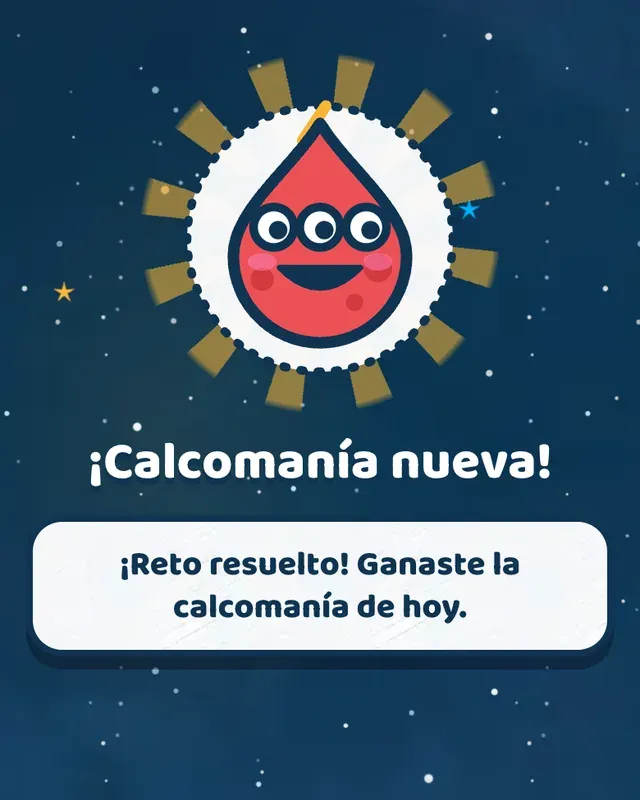
The challenge of the day
Every day brings one special puzzle, the same for every child of the same age: a sudoku, a maze for Orbi, a mystery number. Solving it earns a sticker for the album. Missing a day costs nothing.
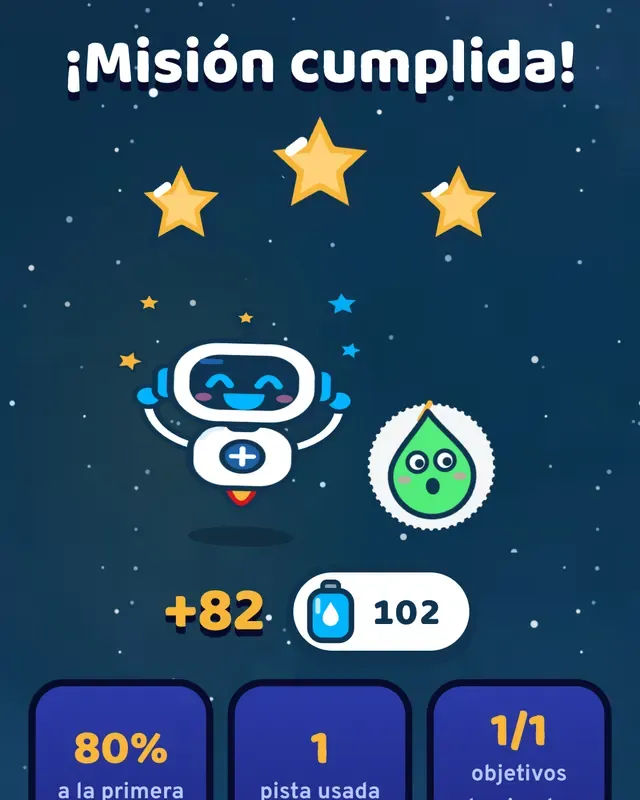
Stars, fuel and chests
Every mission gives stars and fuel for the rocket. Along each planet's path there are chests with more fuel or a sticker.
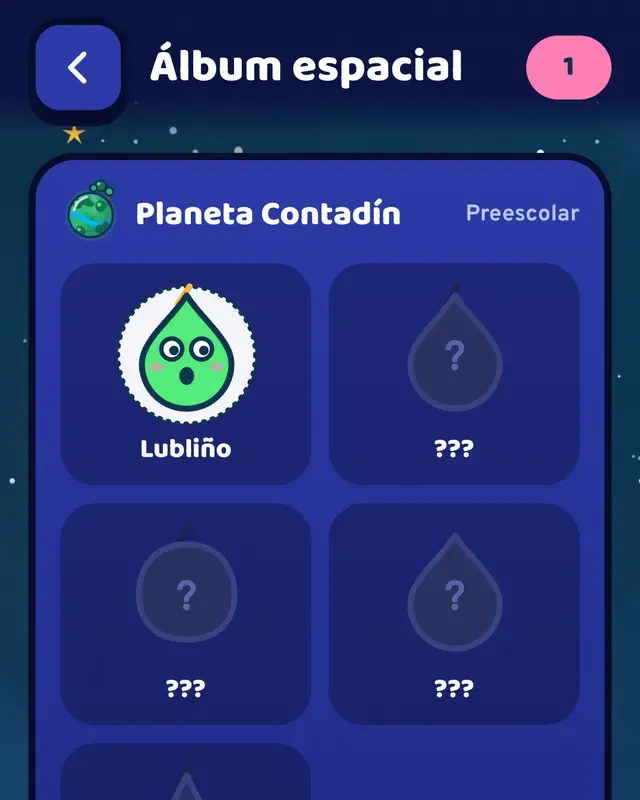
The space album
Every planet has five original alien friends. Your child finds them by completing missions and can tap them to hear them.
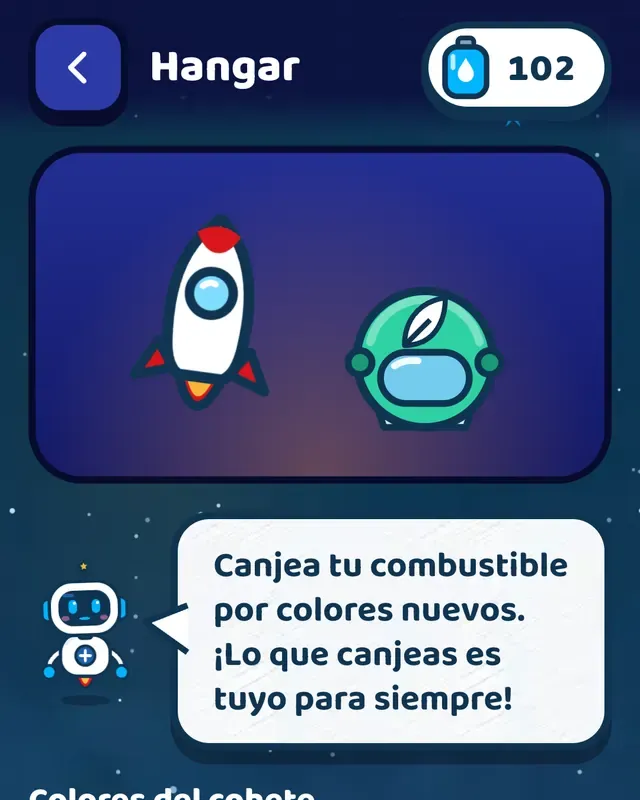
The hangar
Earned fuel decorates the rocket and helmet. What your child exchanges is theirs for good, and there is nothing to buy with money.
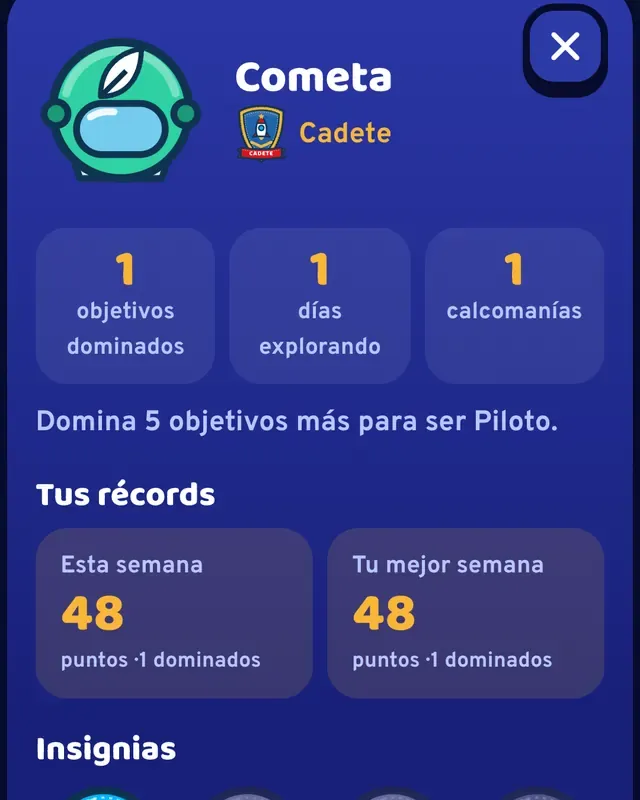
Ranks and badges
From cadet to pilot to commander, by topics mastered. Your child also earns badges and sees their weekly records. No achievement is ever taken away.
CENACEP patches and certificate
In Espacio, every planet completed earns a CENACEP mission patch. With every patch of a grade band, your child receives the Certificado de Cadete Espacial CENACEP (space cadet certificate), which you can download as a PNG or PDF from the parent app.
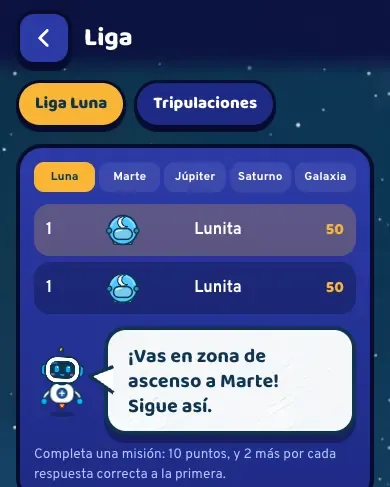
Leagues with no last place
With a family account, your child can join a weekly league. They see the top places and their own row, never a last place or a relegation zone. Points come from learning, not time played, and you can turn leagues off.
For families
Made for use at home, on whatever phone or tablet you have.
Works offline
After one visit online, the app works without a connection. With a family account, progress is sent when the signal comes back.
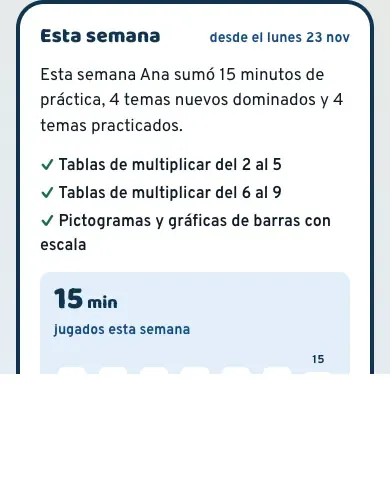
The parent app
See progress goal by goal, get a weekly email, set a daily play time of 10 to 60 minutes and decide whether your child takes part in leagues.
Kinds of exercises
Your child doesn't just pick answers: they count, build, move, shade and sort. In science and Espacio they also label drawings and run experiments. These are the exercises they'll meet in their missions. (The app itself is in Spanish.)
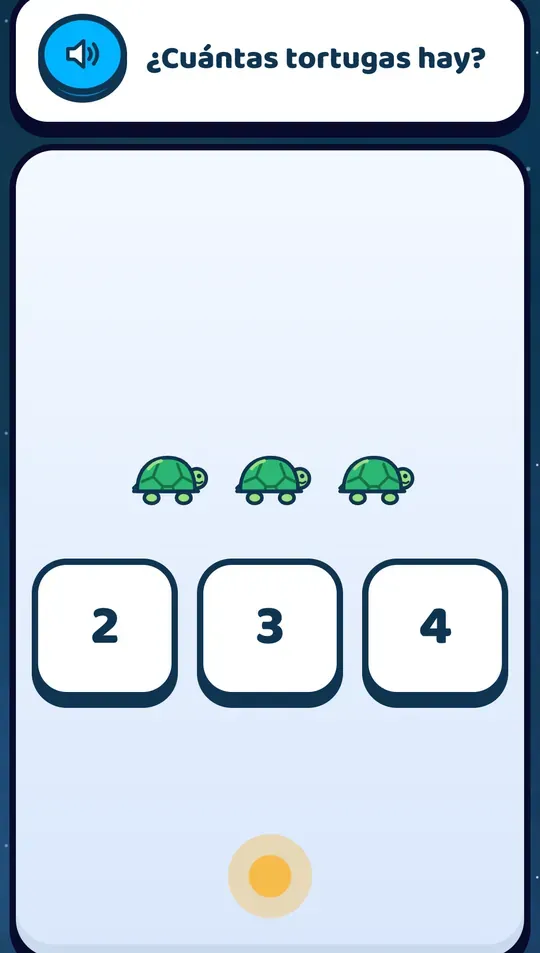
Pick the answer
Tap the right answer among a few options. For children who can't read yet, the options can be pictures.
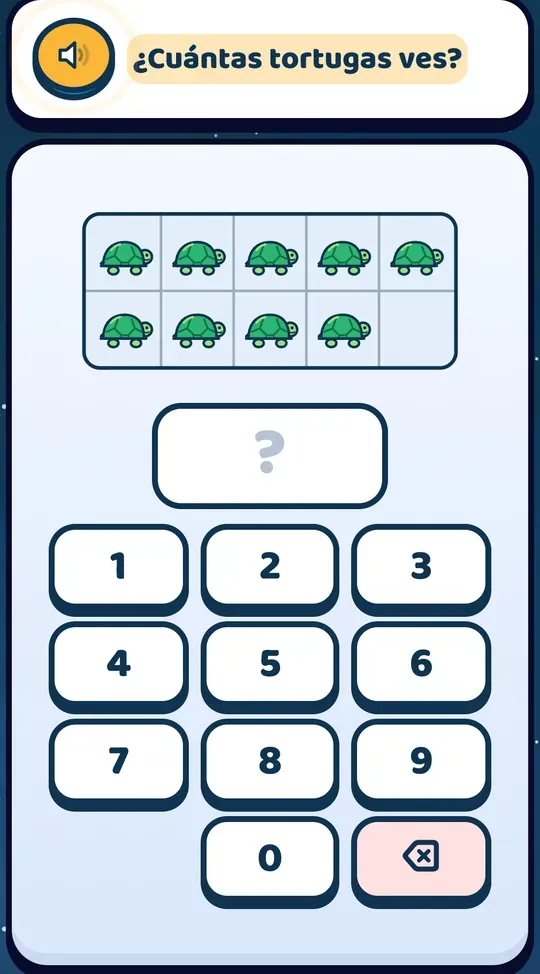
Type the number
Count or work it out, then type the answer on a big on-screen number pad.
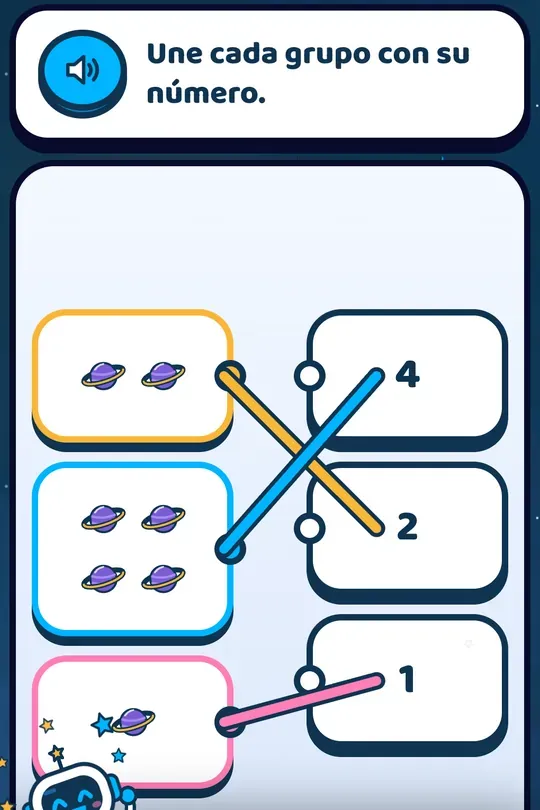
Match pairs
Connect each item with its pair, such as each group with its number, by dragging a line or tapping both.
Put in order
Puts numbers or things in order, such as smallest to largest, by dragging them or tapping them one after another.
Try it hereSort into groups
Moves each piece into its group, such as shapes by their form.
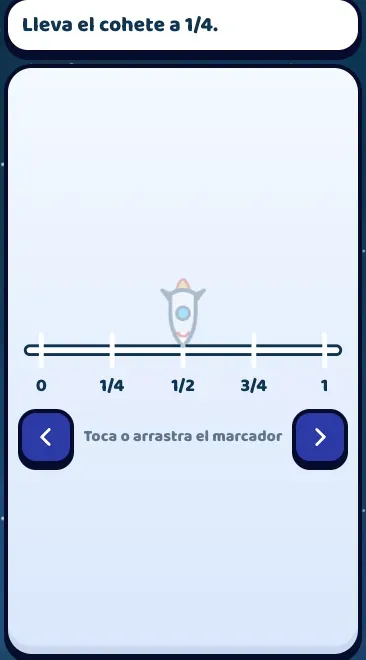
Number line
Lands the rocket on the right spot of the line: whole numbers, fractions or decimals.
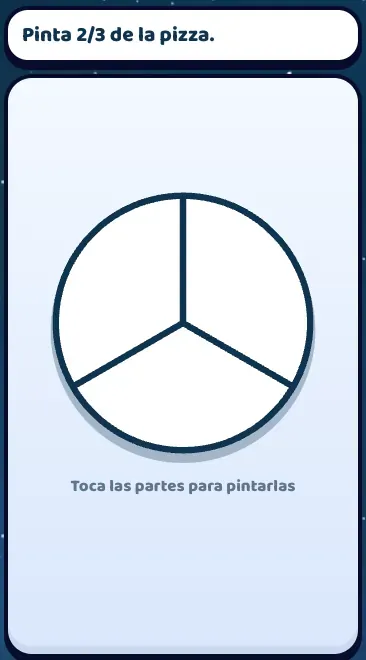
Shade fractions
Taps the parts of a pizza, a bar or a grid to shade the fraction asked for.
Try it here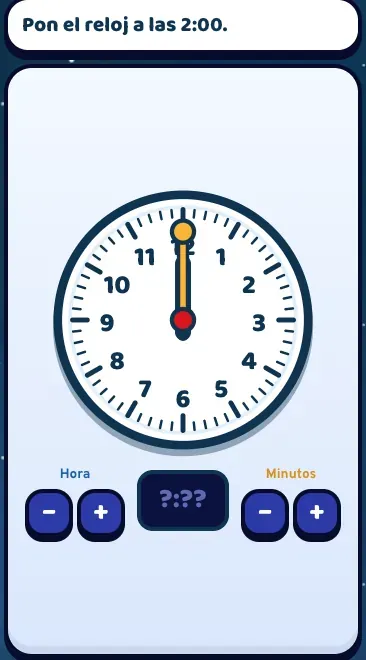
Tell the time
Moves the hands to show a time: on the hour, half past, quarters or five-minute steps.
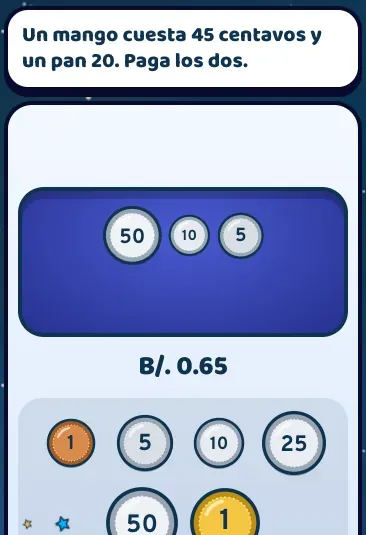
Pay with coins
Pays the exact amount with centavo and one-balboa coins, just like at the shop.
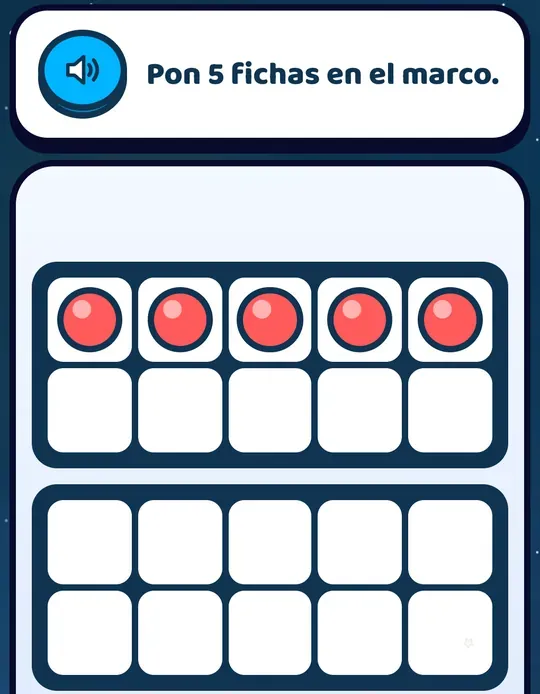
Build numbers
Builds a number with counters in ten-frames or with ones, tens and hundreds blocks.
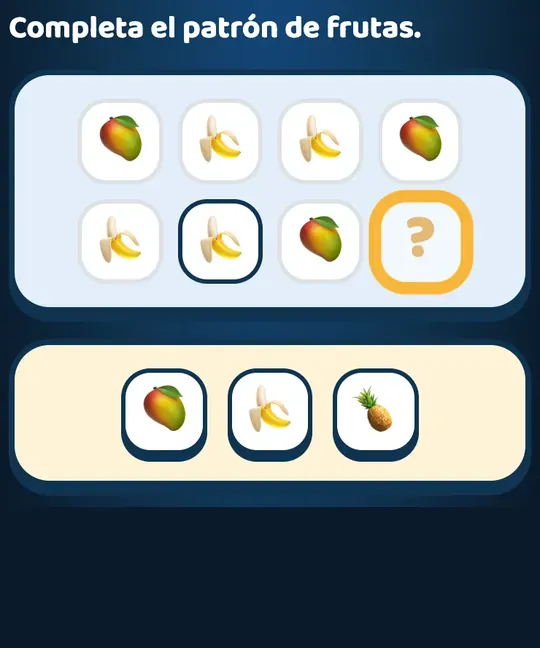
Patterns
Spots what repeats and completes the sequence of shapes, colours or fruit.
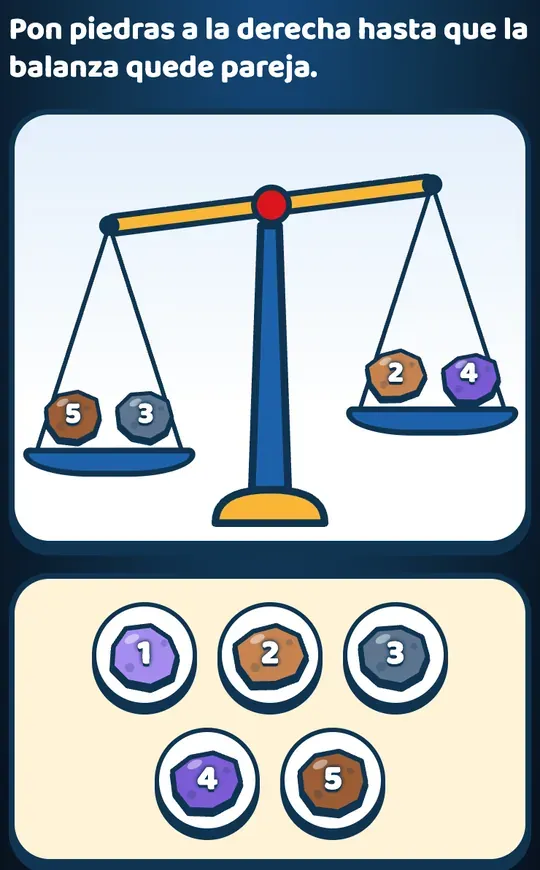
The balance
Adds stones to the other pan until the scale is level: a first idea of what equals means.
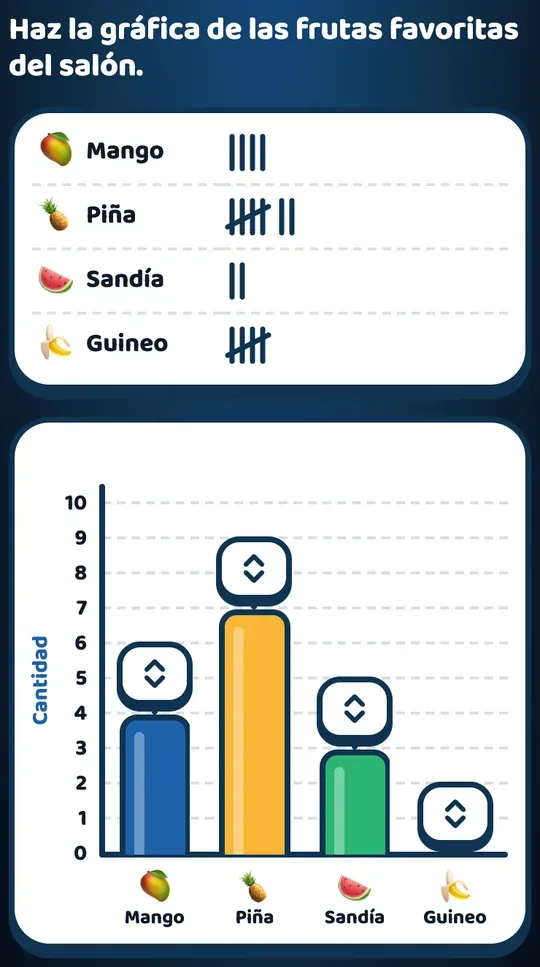
Bar graph
Reads a tally chart and raises each bar to its height to build the graph.
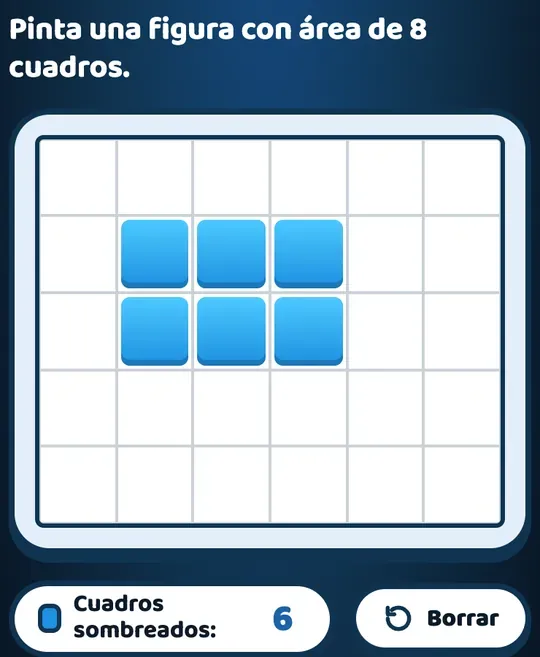
Area and perimeter
Shades squares on a grid to make a shape with the area or perimeter asked for.
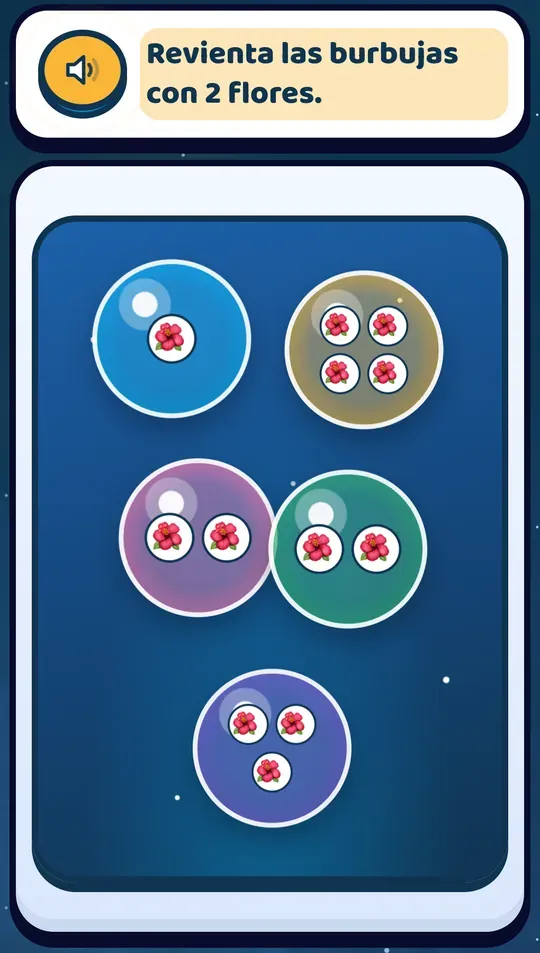
Pop the bubbles
Pops every bubble that fits the rule, such as the ones that add up to 10 or have 2 flowers.
Try it here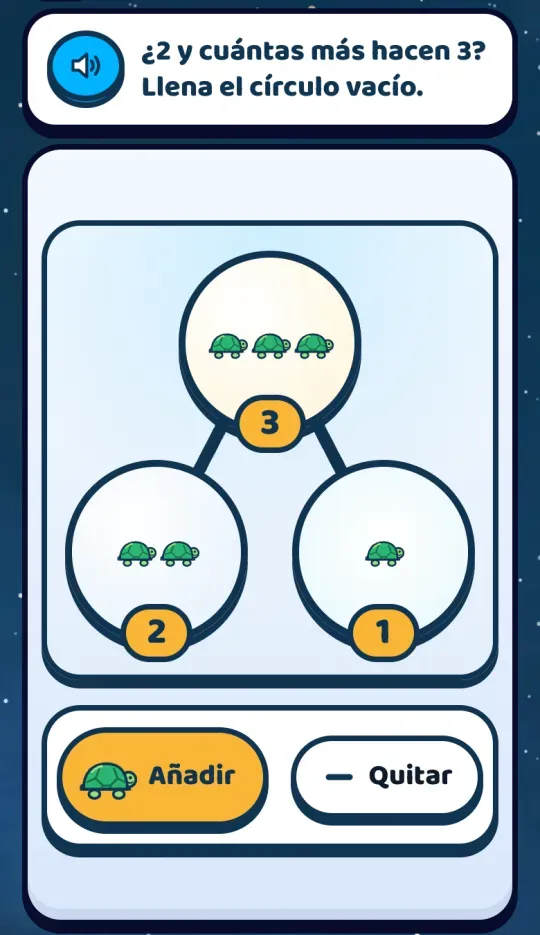
Number bonds
Fill the empty circle with counters: two parts make the whole. It's how children learn to put numbers together and take them apart.
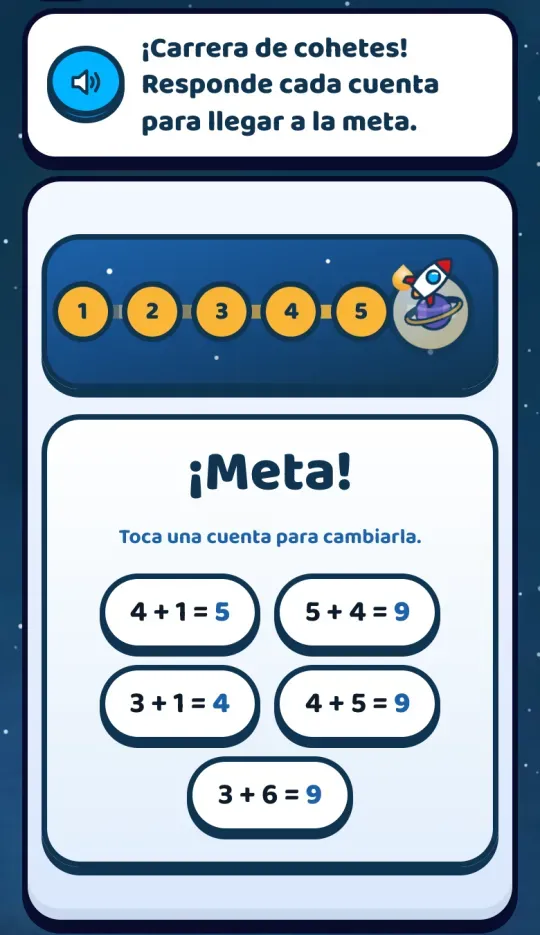
Rocket race
Five quick facts in a row to practise addition, subtraction and times tables. The rocket moves on with each answer, with no clock and no rush.
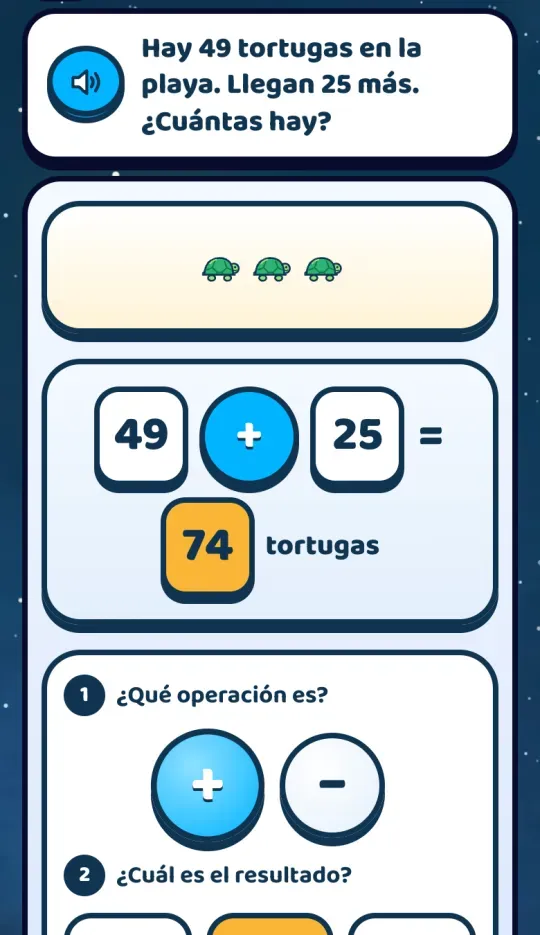
Two-step word problems
First choose the operation that tells the story (+, −, × or ÷), then the result. Children learn to set up the problem, not just to calculate.
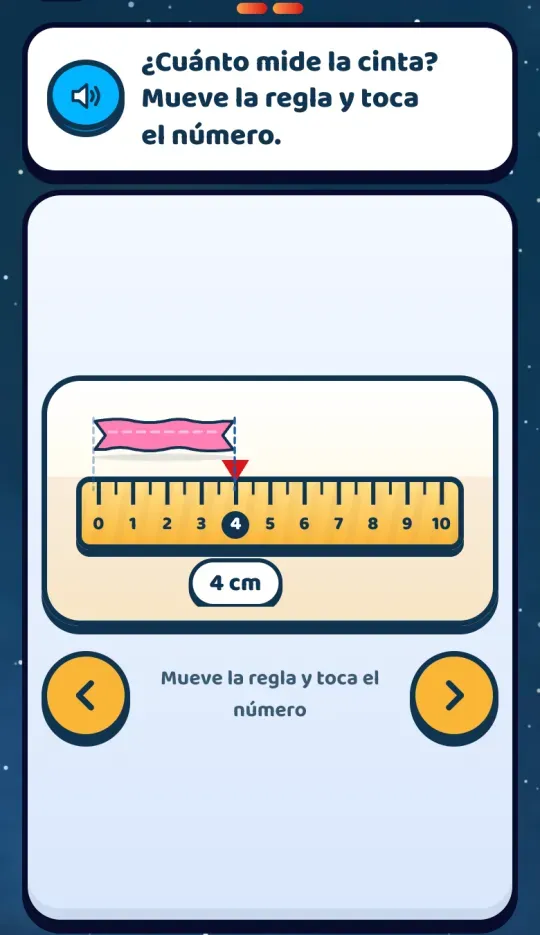
Measure with a ruler
Slide the ruler to zero and tap the number where the object ends. It teaches measuring in centimetres without the classic start-at-1 mistake.
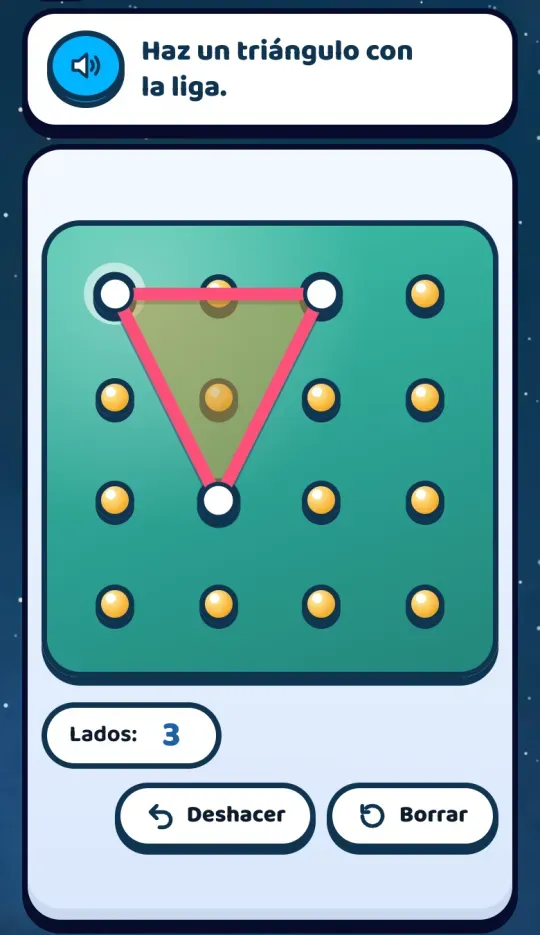
Geoboard
Stretch a rubber band over the pegs to make triangles, squares, rectangles and polygons, and count their sides and corners.
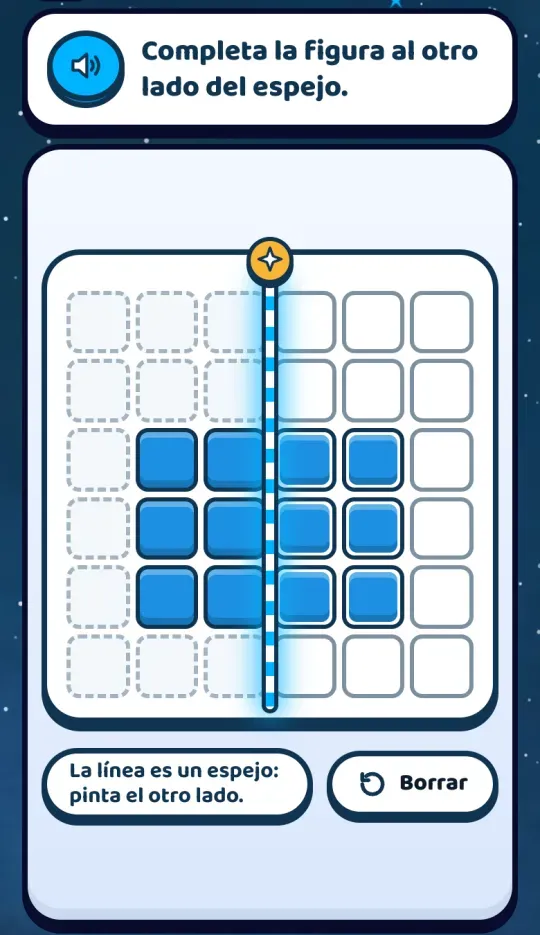
Mirror symmetry
Shade the other side of the line to complete the figure as in a mirror. Each square has a twin at the same distance.
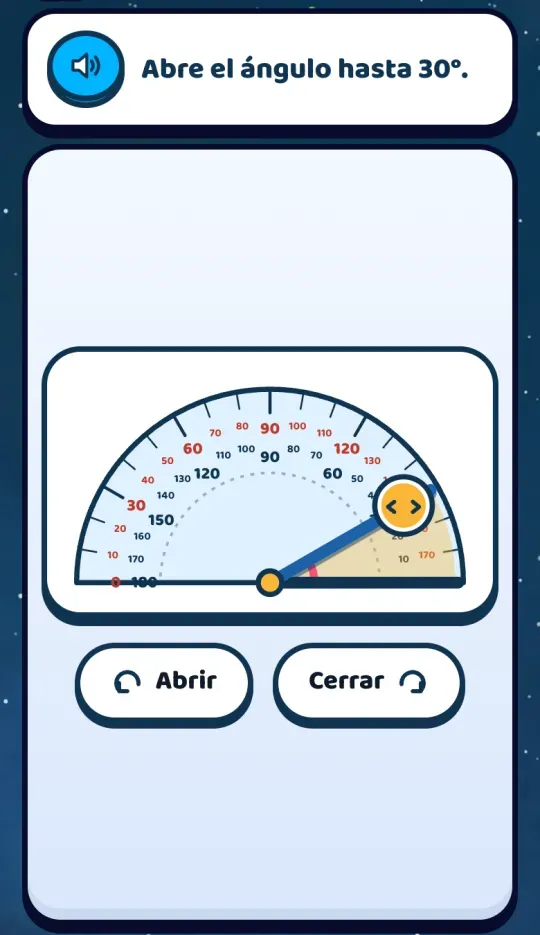
Protractor
Turn the protractor's arm to open an angle of the given degrees, or an acute, right or obtuse one.
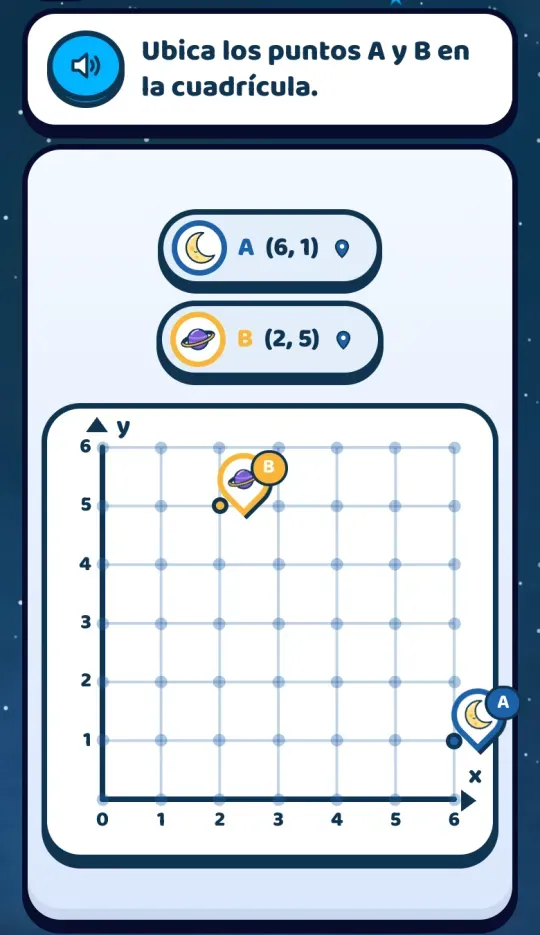
Coordinate grid
Place points on the grid: first x to the right, then y up. Like reading a treasure map.
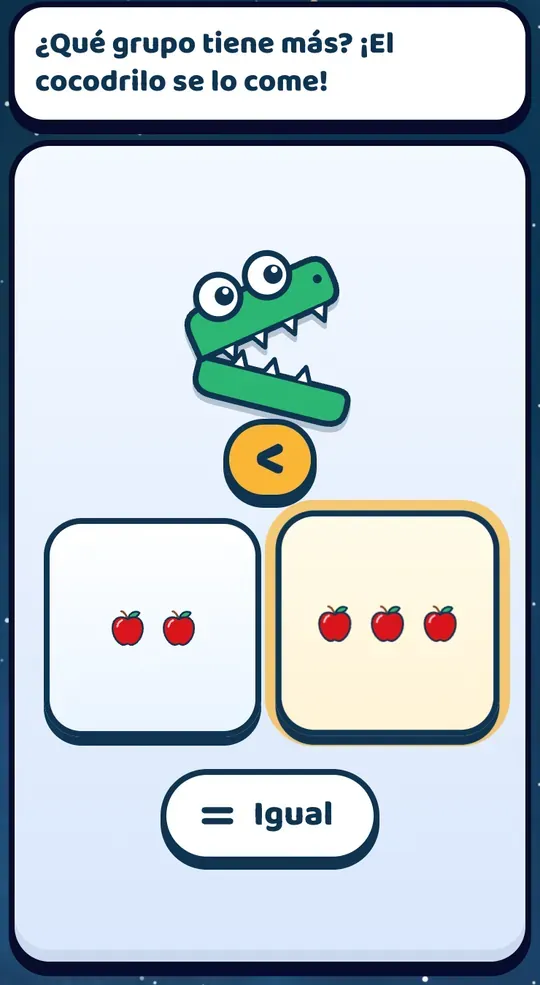
The hungry crocodile
Compare two groups, numbers, fractions or decimals: tap the bigger side and the crocodile opens its mouth towards it. It's how children learn the greater-than, less-than and equal signs.
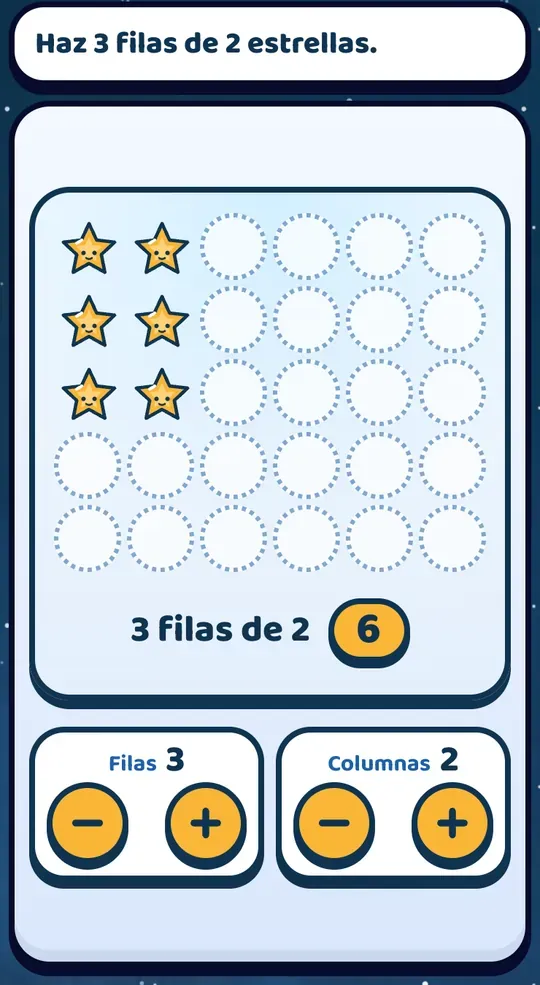
Rows and columns
Tap a hole or use the row and column buttons to build 3 rows of 2. Multiplication shows up as a rectangle.
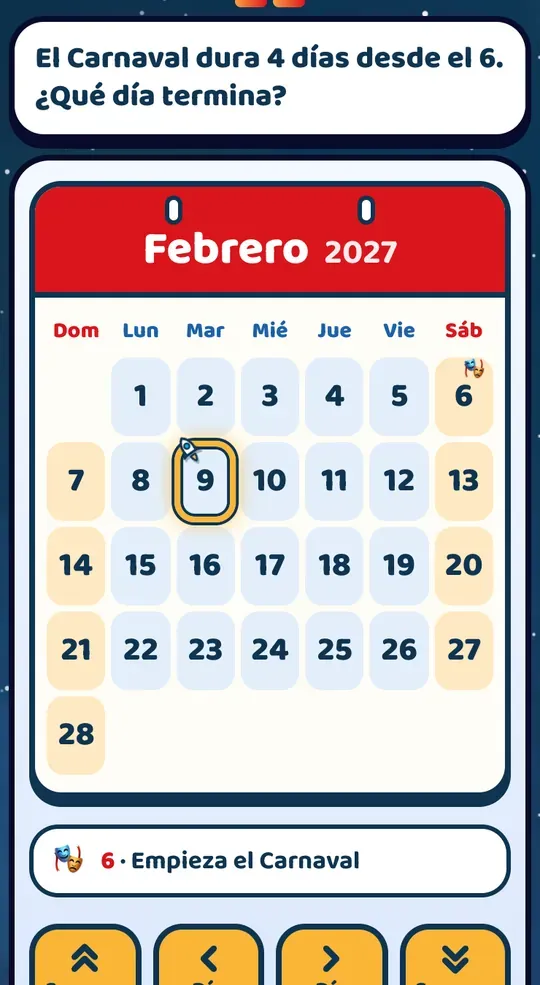
The calendar
Find dates, move a week ahead and count days on a real calendar, with Panamanian dates such as the November national holidays and Carnival.
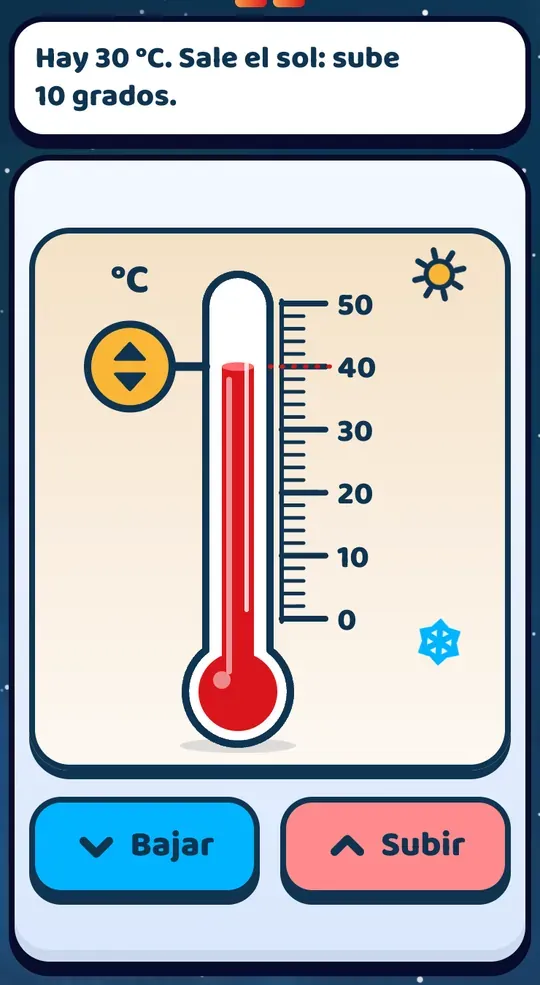
The thermometer
Move the liquid up or down to a temperature in degrees Celsius. Each mark can be worth 2 degrees, so children learn to read a scale carefully.
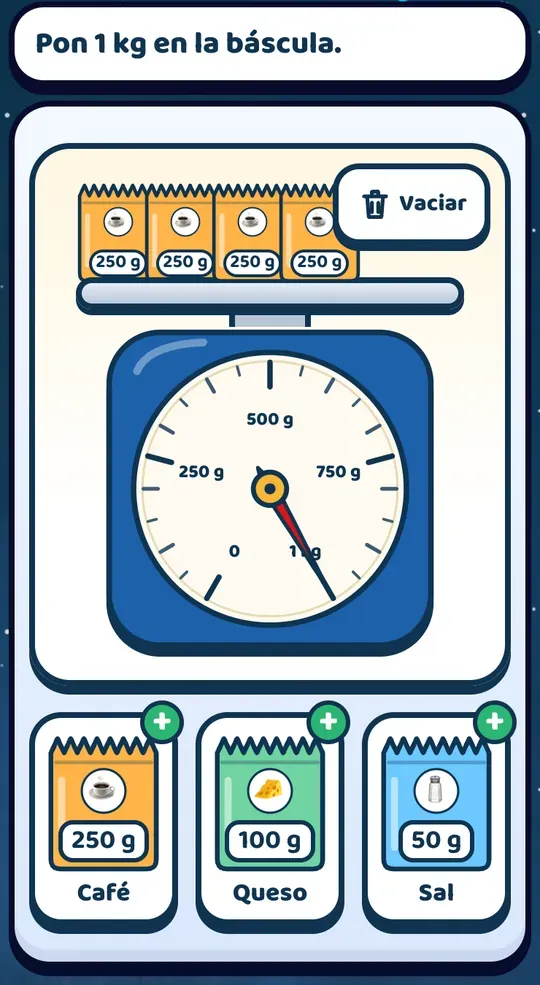
The kitchen scale
Put packets of coffee, cheese or salt on the scale until the needle shows the mass asked for. A kilo is a thousand grams.
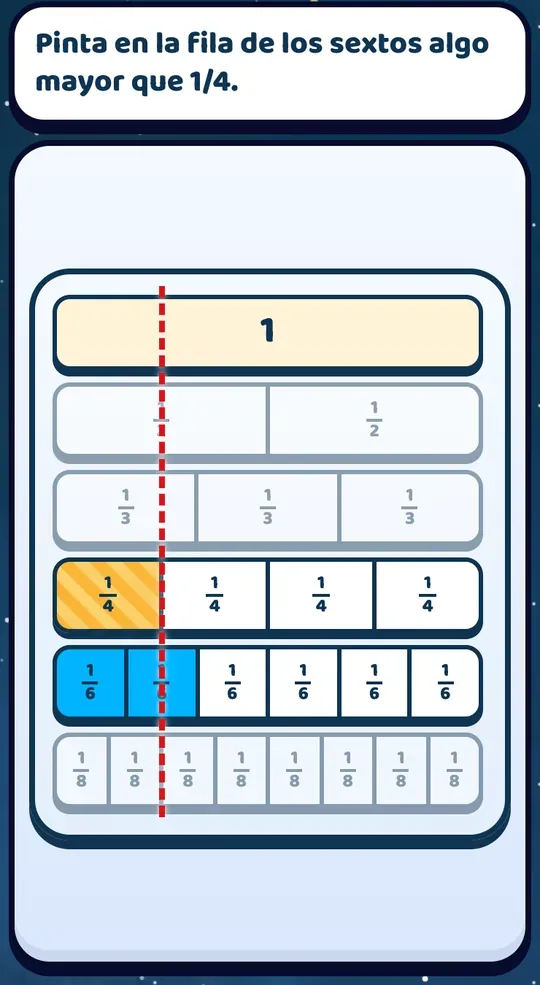
The fraction wall
Shade bricks on another row to match a fraction, go past it or stay below it. A dashed line shows where it ends.
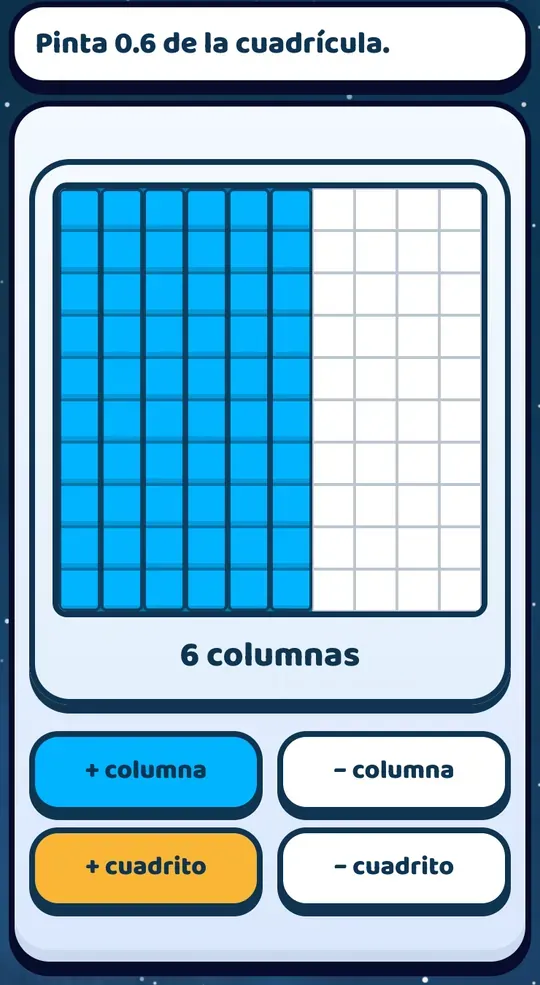
Hundred grid
Shade columns (tenths) and squares (hundredths) to show decimals, fractions and percentages.
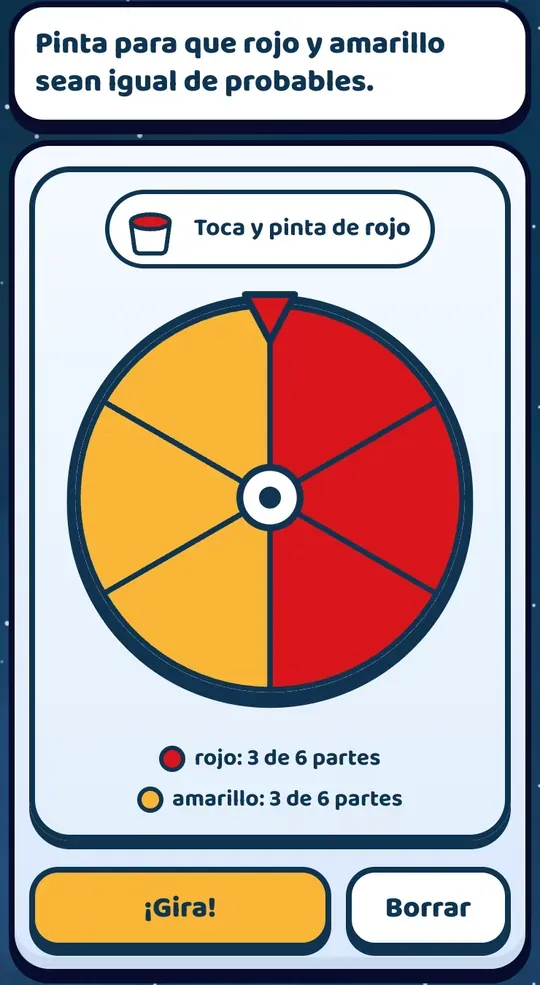
The probability spinner
Paint parts of a spinner so one colour is more likely, equally likely or certain, or has a chance such as 3/8. Then spin it!
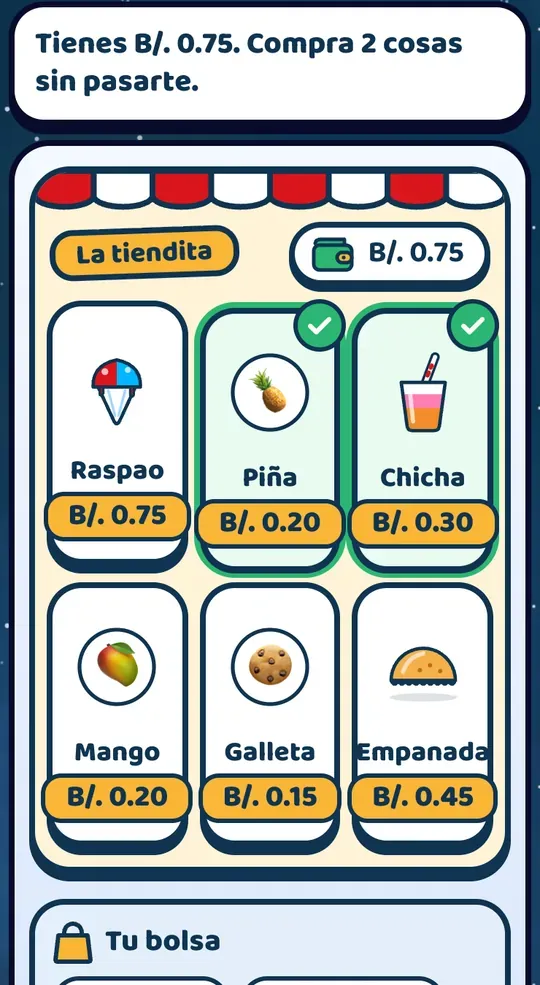
The school kiosk
Buy raspao (shaved ice), hojaldras or chicha without going over the money you have, or spend it exactly. Prices in balboas, no calculator.
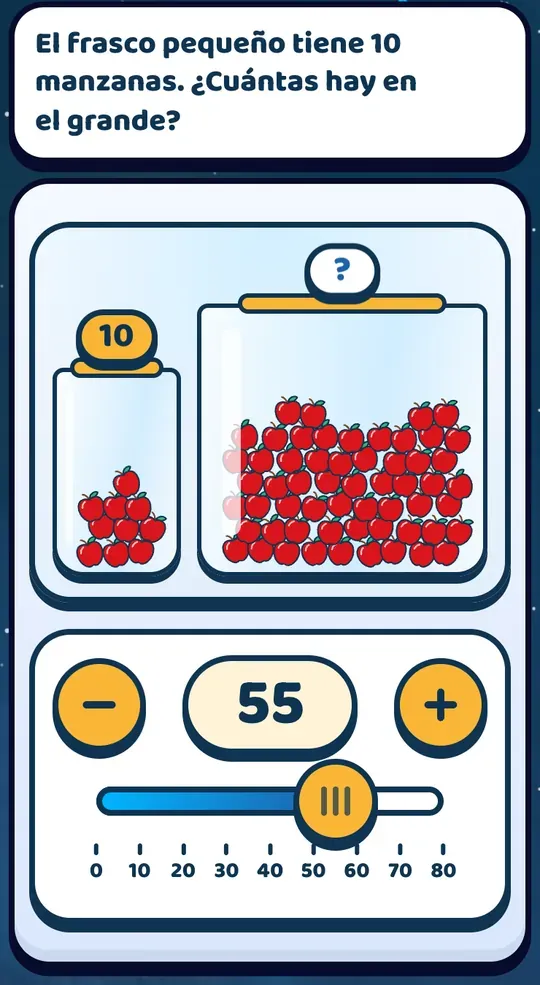
The estimation jar
How many apples are there? Compare with a jar of 10 and estimate without counting one by one.
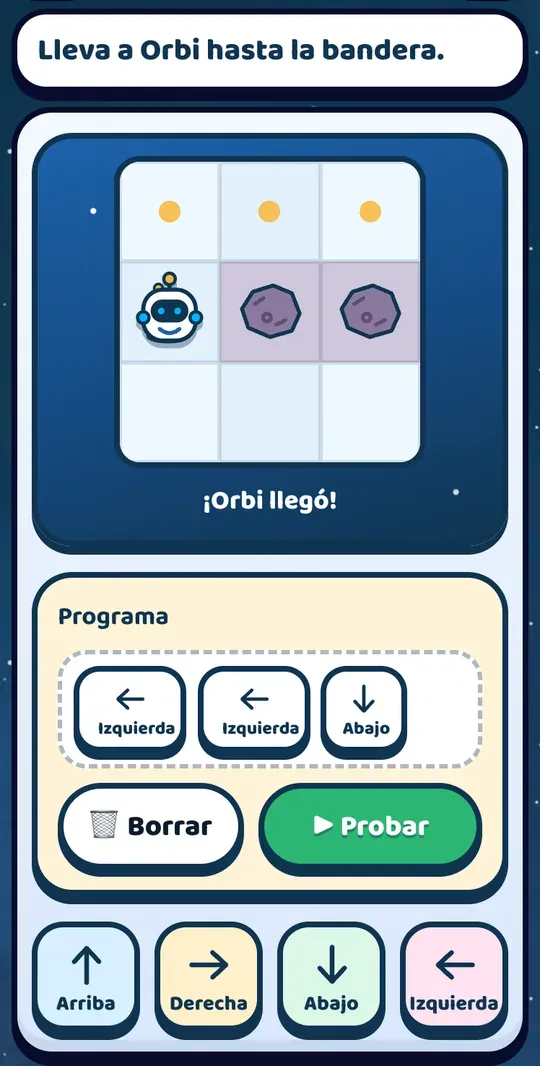
Program Orbi
Line up arrows, or move and turn blocks, to steer Orbi to the flag without bumping into rocks. From 3rd grade, Repeat blocks: a first step into coding.
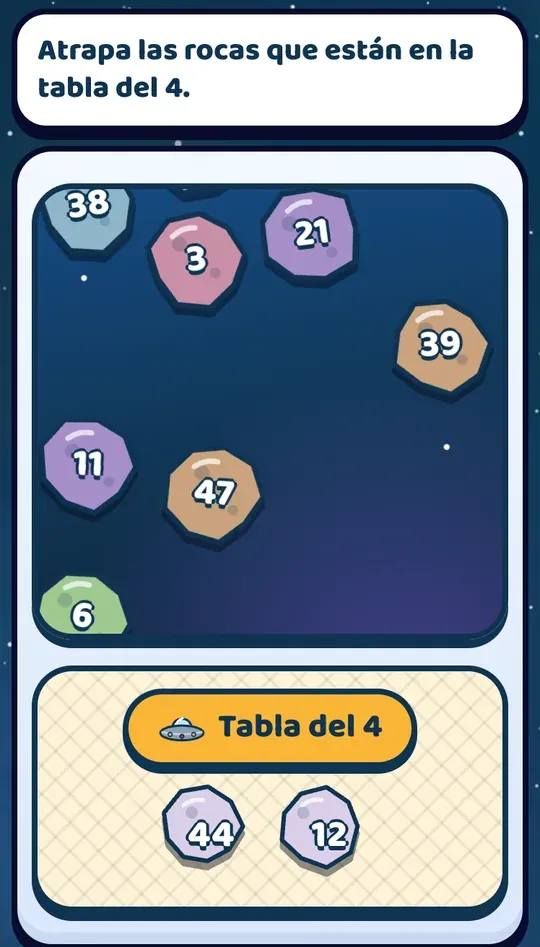
Asteroid catch
Catch only the rocks that fit the rule: the number 3, even numbers, the 4 times table, greater than 50. For the youngest the rocks float still: no rush.
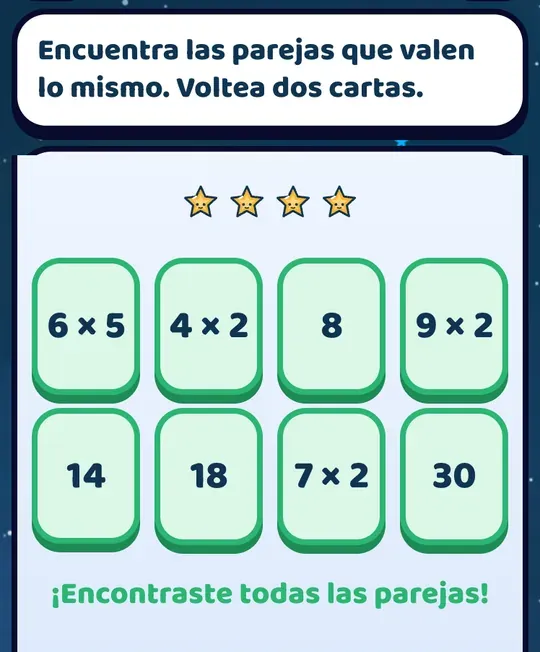
Memory pairs
Flip two cards and find the ones worth the same: 3 and three stars, 3 × 4 and 12, 1/4 and 0.25. If they don't match, they turn back over.
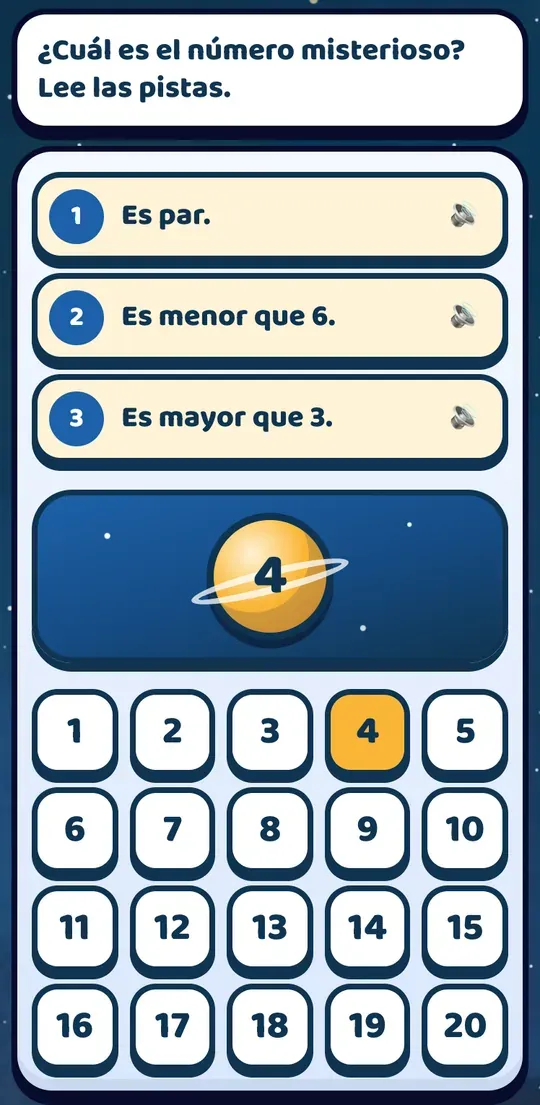
The mystery number
Read the clues («it's even», «it's less than 6») and find the number. After a wrong guess Orbi says bigger or smaller and crosses out the numbers that no longer fit.
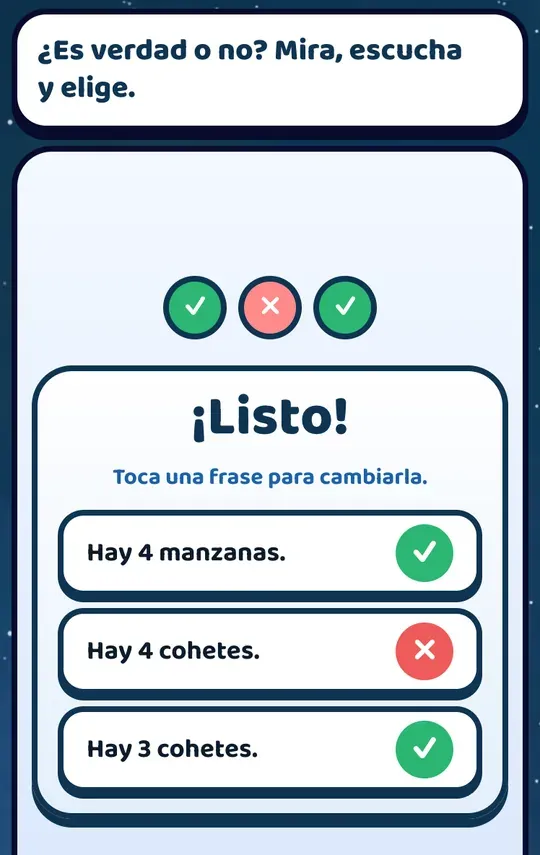
True or false?
Swipe each card one way or the other, or tap a button. For children who can't read yet, Orbi reads the sentence and shows pictures to count.
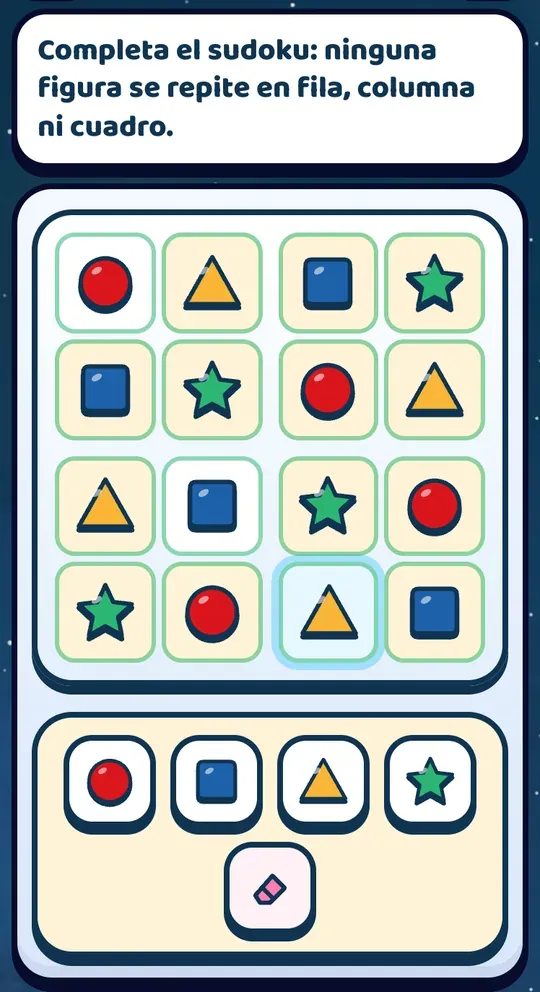
Junior sudoku
A 4 × 4 grid with coloured shapes for the little ones and 6 × 6 with numbers for older children: nothing repeats in a row, a column or a box.
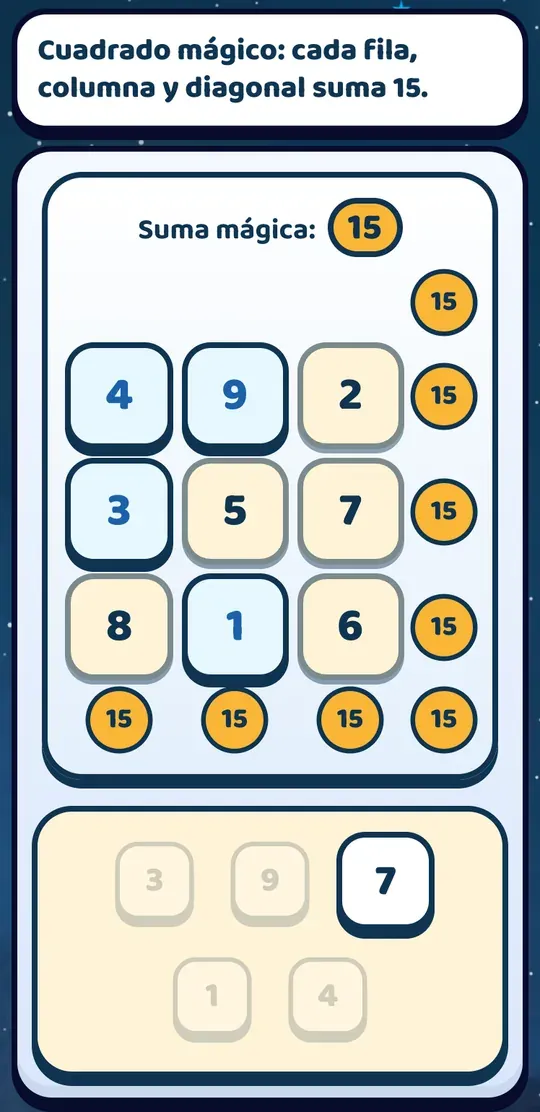
Magic squares and pyramids
Fill a square where every row, column and diagonal adds up to the same number, or a pyramid where each brick is the sum of the two below it.
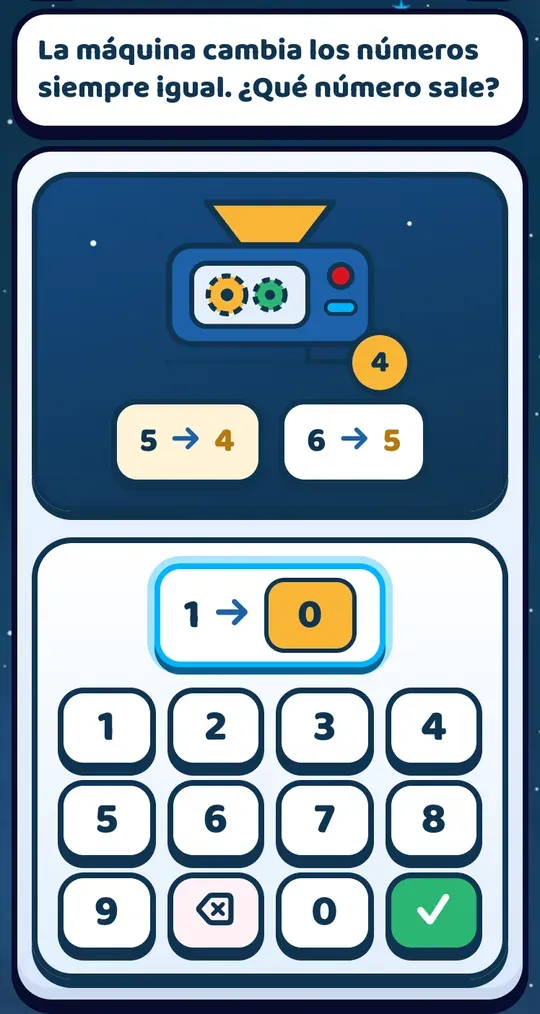
The rule machine
A number goes in and another comes out. From the examples, work out what the machine does (+3, ×2, ×2 +1) and find the outputs. In 5th and 6th grade, pick the rule too.
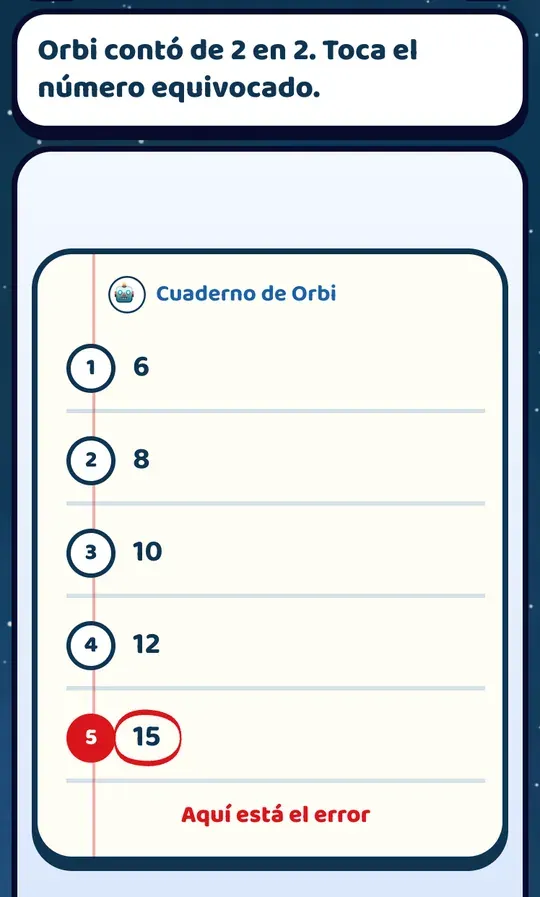
Find Orbi's mistake
Orbi worked something out step by step and slipped once: counting in twos, a sum with carrying, the order of operations. Your child circles the wrong step and, in older grades, picks the fix.
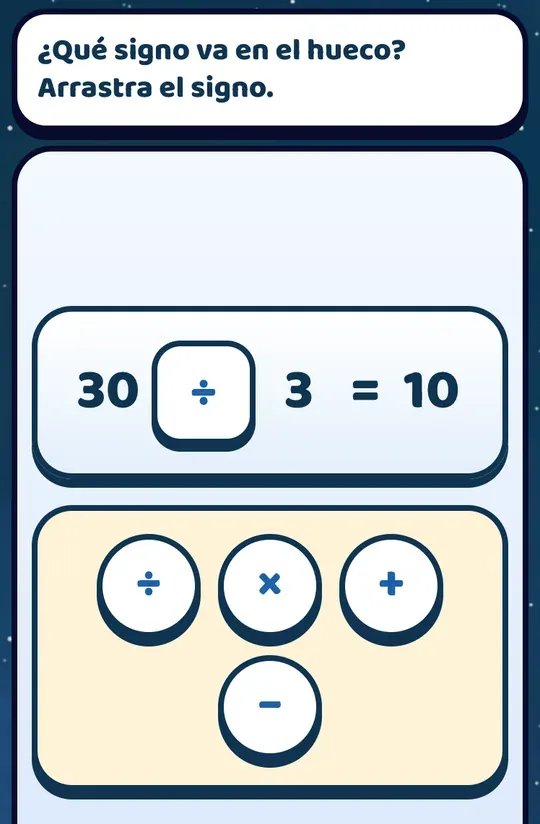
Fill the gap
Drag in the missing number or sign: 7 + □ = 12, 30 □ 3 = 10. If dragging is hard, tapping the tile works too.
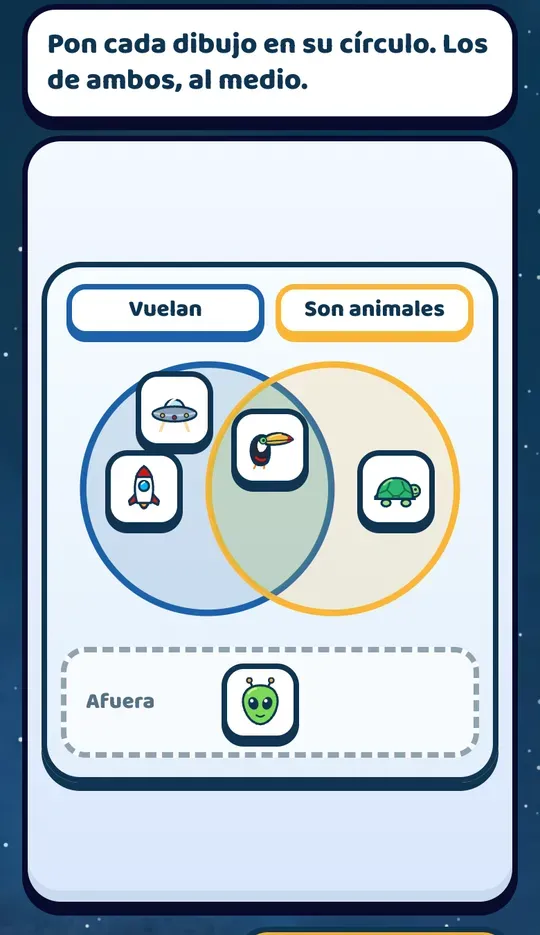
Venn diagram
Sort pictures, shapes or numbers into two overlapping circles. What belongs to both goes in the middle.
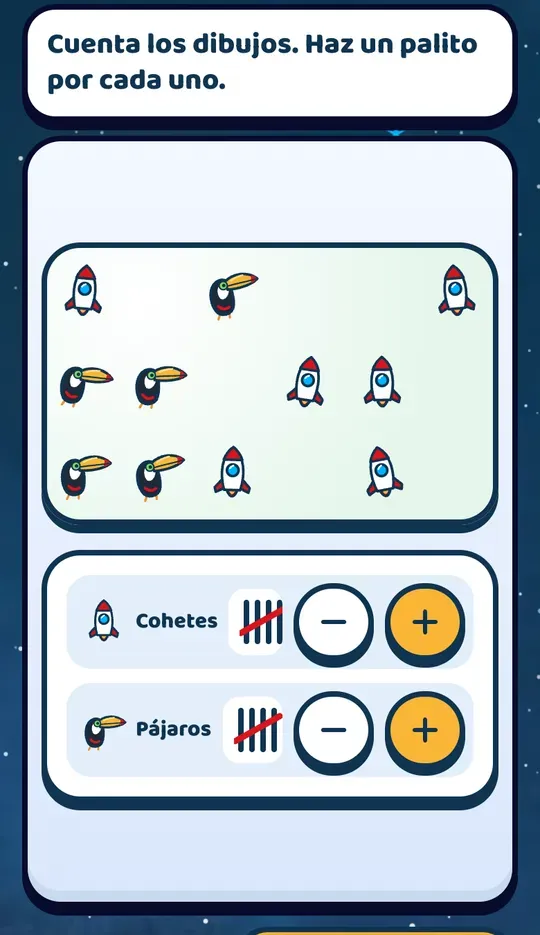
Tally marks and dot plots
Count with tally marks in groups of five, or put one dot per data value above the number line.
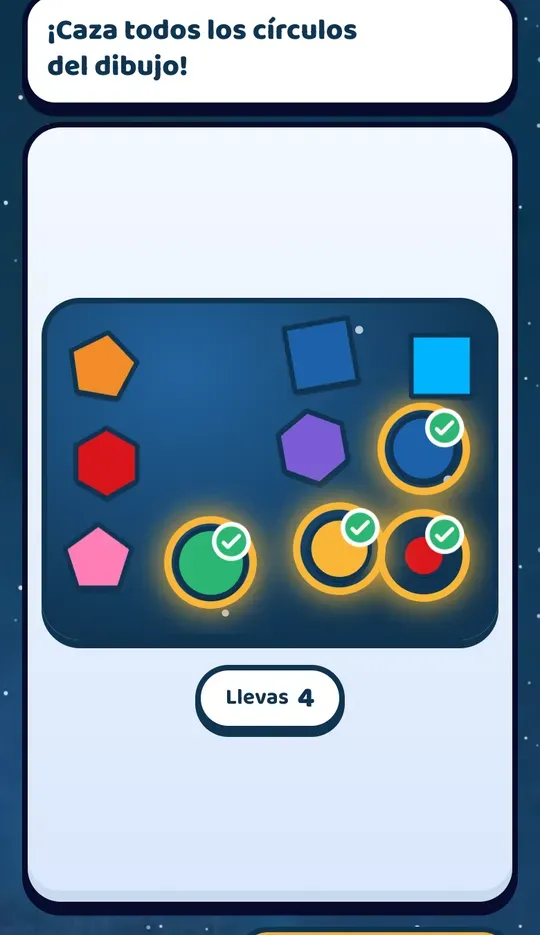
Shape hunt
Tap every circle, triangle or right angle in the picture, even turned, upside-down or tiny ones.
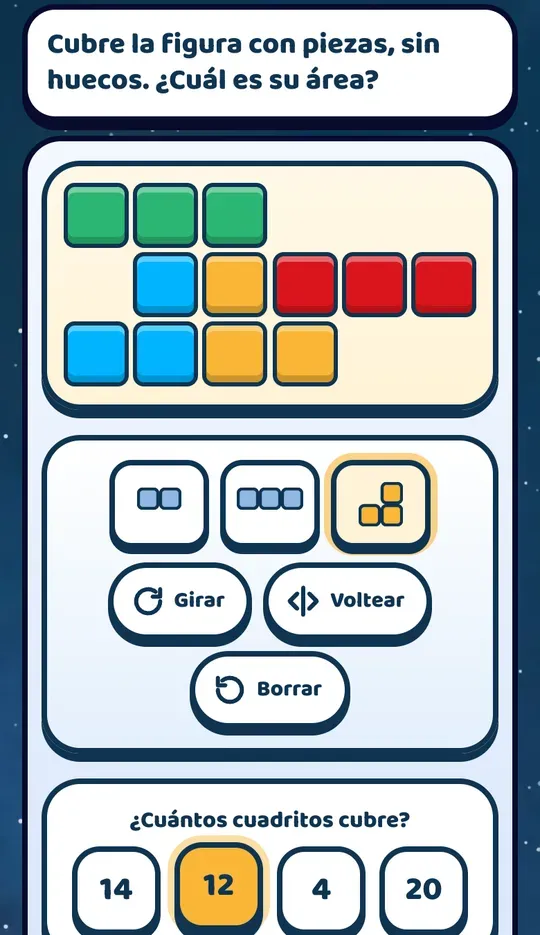
Fill with pieces
Cover a shape with pieces you turn and flip, leaving no gaps. Then give its area: the squares, not the pieces.
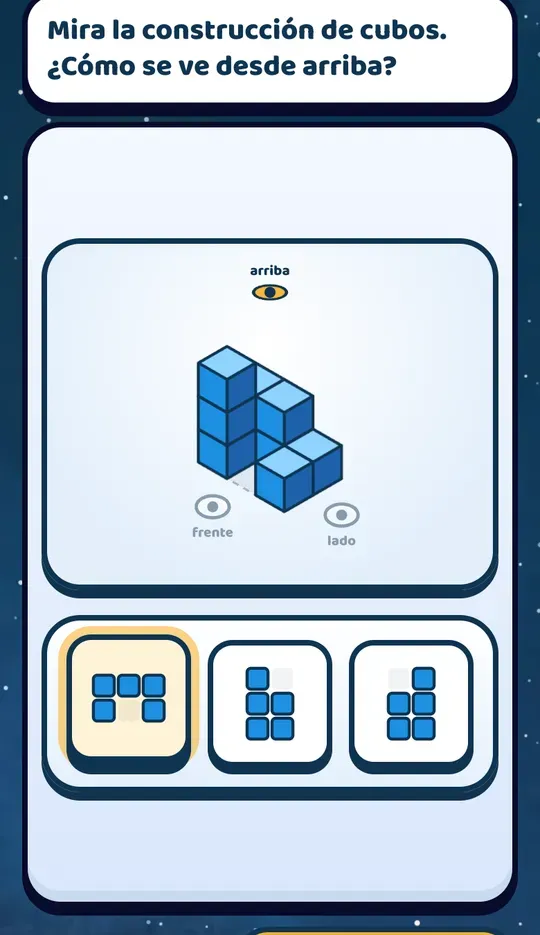
Cube views
Look at a cube building and choose how it looks from above, from the front and from the side.
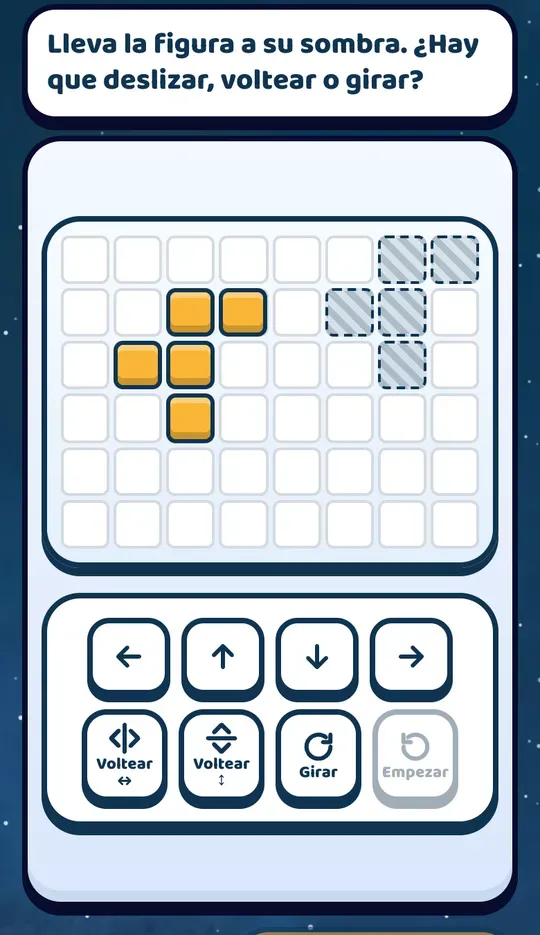
Slide, flip and turn
Move a shape onto its shadow with slides, flips and turns.
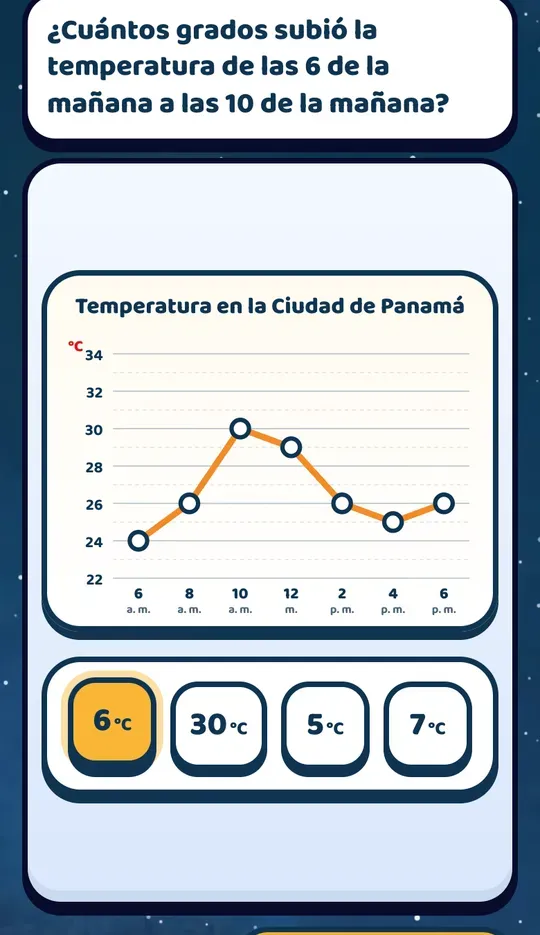
Line graph
Read a day's temperature in Panama City: the hottest hour, how much it rose, or finish the line.
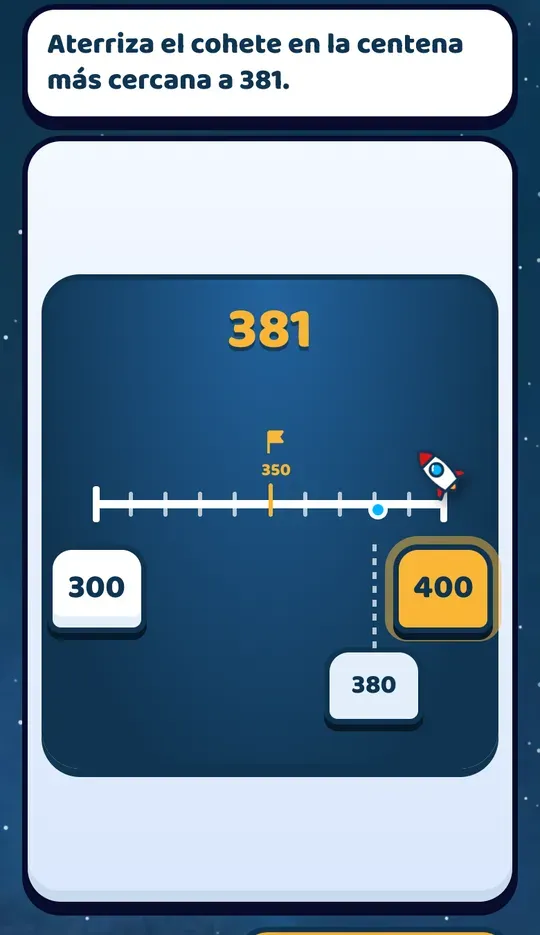
Rocket rounding
Land the rocket on the nearest ten, hundred or thousand. Exactly halfway goes up.
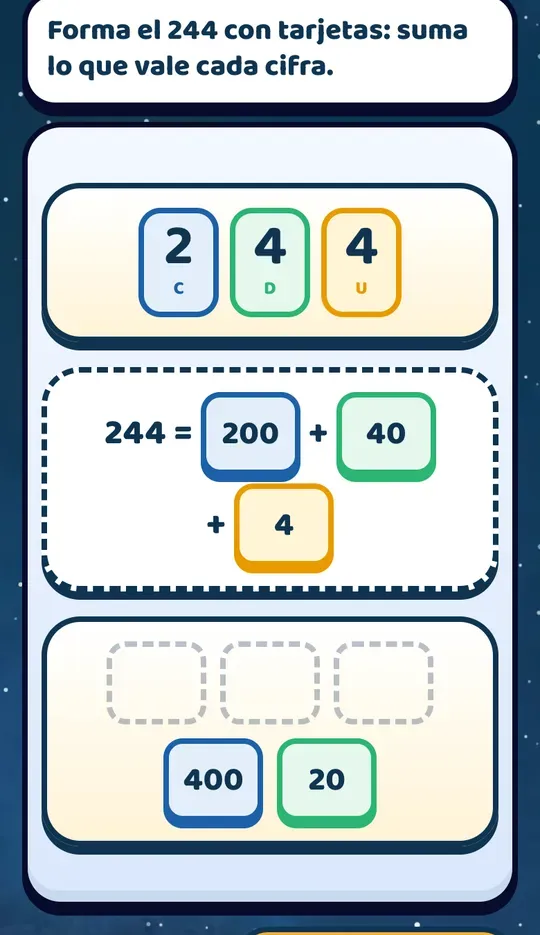
Expanded form
Build a number from place-value cards: 3407 = 3000 + 400 + 7. Zero needs no card.
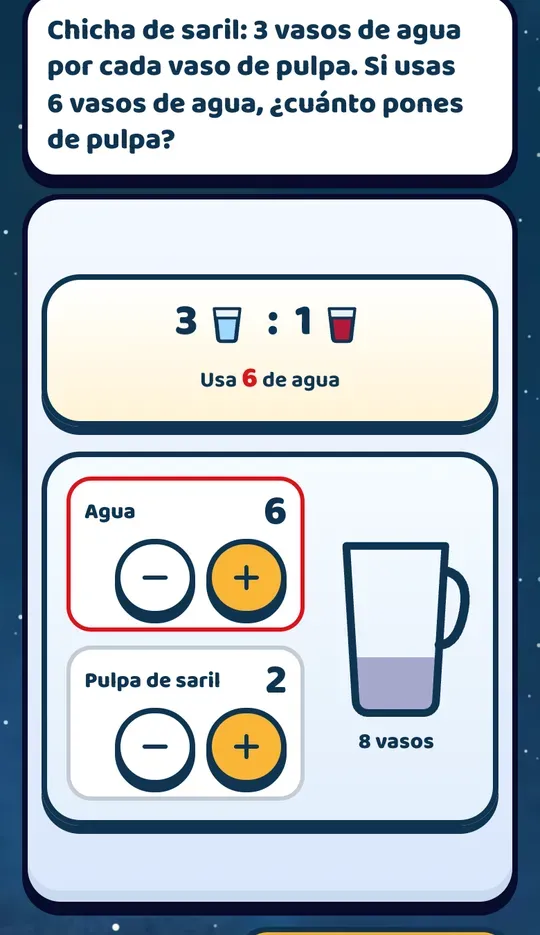
Ratio mixer
Make chicha or mix paint in the recipe's ratio: twice the water needs twice the fruit pulp.
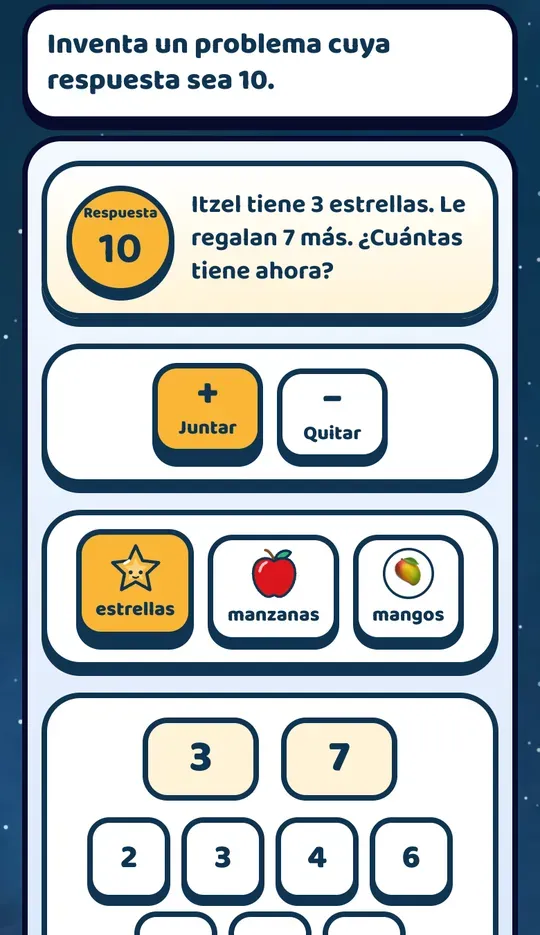
Make up the problem
Choose an operation, what it's about and two numbers so your story gives the target answer. Any story that works counts.
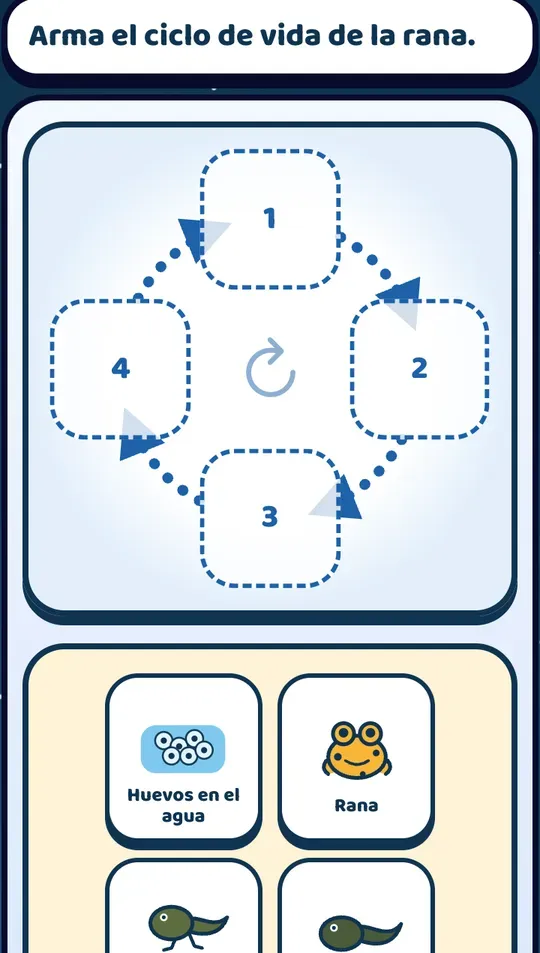
Build a cycle
Puts the stages in the order they repeat, around a circle: the life cycle of a frog or a butterfly, the water cycle and the phases of the Moon.
Label a drawing
Moves each name to its place on a drawing: the parts of a plant or the body, and in Espacio those of a rocket, a plane or the International Space Station.
Experiment
Tries a few times changing just one thing, watches what happens and picks the conclusion. In Espacio: paper planes, a balloon rocket, a rocket's fuel and a satellite's speed.
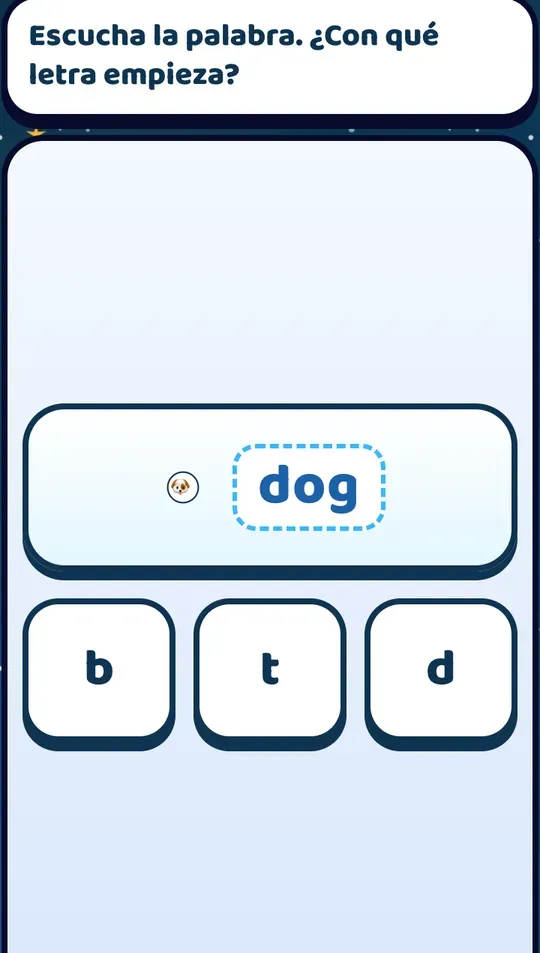
Listen and tap
Hears a word, a letter or a sentence in English and taps the matching picture, letter or word.
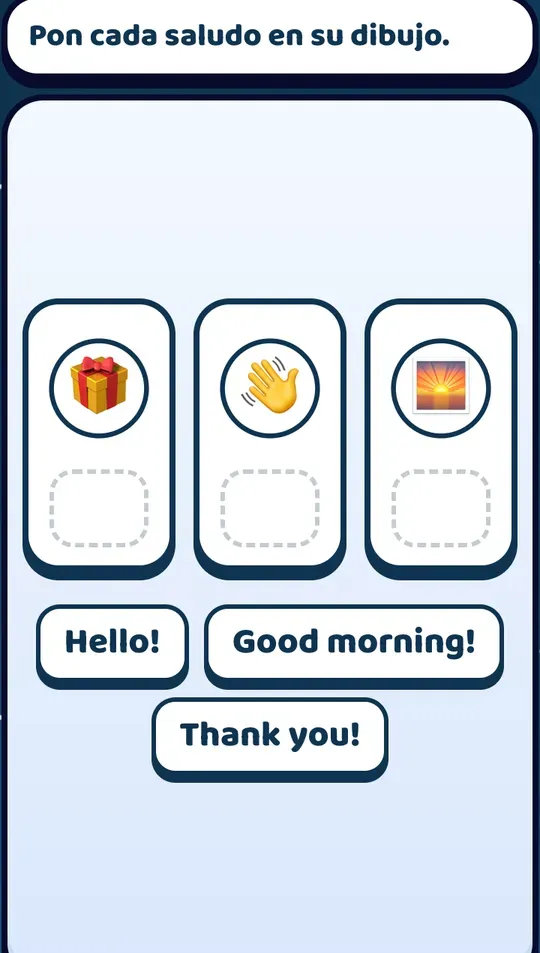
Word and picture
Puts each English word or greeting on its picture, like Hello!, Good morning! or Thank you!
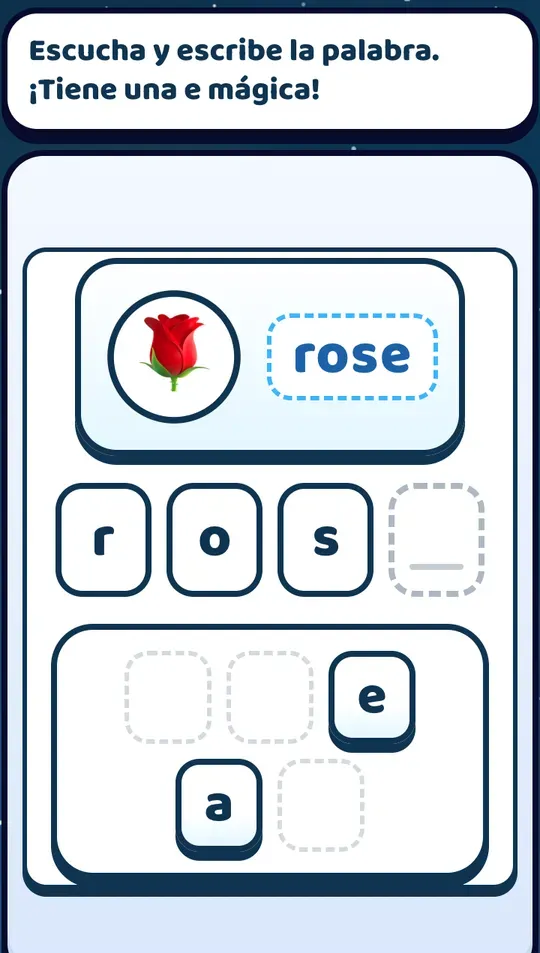
Spell it in English
Hears an English word and builds it with letter or sound tiles: short words, magic e and animal names.
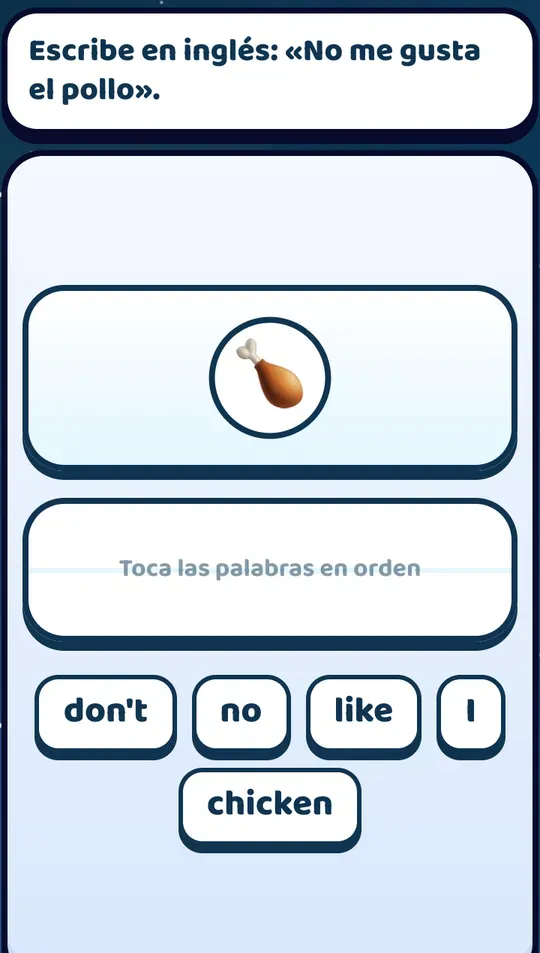
Build a sentence
Taps the words in order to write a sentence in English. Some tiles are extra, like no when don't is needed.
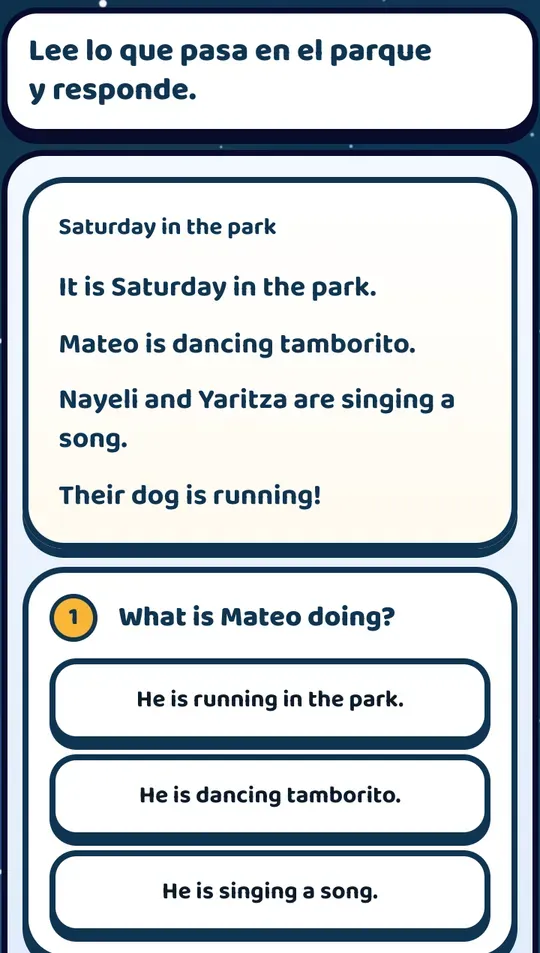
Read and answer
Reads a short text in English, a message or a story they can also hear line by line, and answers questions about it.
Try three exercises
Small versions of the app's exercises. Play them with your child.
In the app, Orbi also reads every instruction aloud (in Spanish).
Pop the bubbles
Pop the bubbles that add up to 10.
Orbi says: Pop the bubbles that add up to 10.
Shade fractions
Shade 3/4 of the bar.
Orbi says: Shade 3/4 of the bar.
Put in order
Put the numbers in order, smallest to largest.
Orbi says: Put the numbers in order, smallest to largest.
What is CENACEP?
The Centro de Innovación en Ciencias Espaciales de Panamá (CENACEP), Panama's space science innovation center, is a nonprofit foundation in Panama City that promotes research and teaching in the space sciences. It offers programs, events, courses and competitions for students from primary school to university in aviation, astronomy, aeronautics and space exploration, following the idea of learning by doing. For example, it organized the OLAA 2023 olympiad for students from Panama and Latin America.
Learn about CENACEP at cenacep.com